Troubleshooting Eskimo eSIM Activation Issues in India
10/15/2026
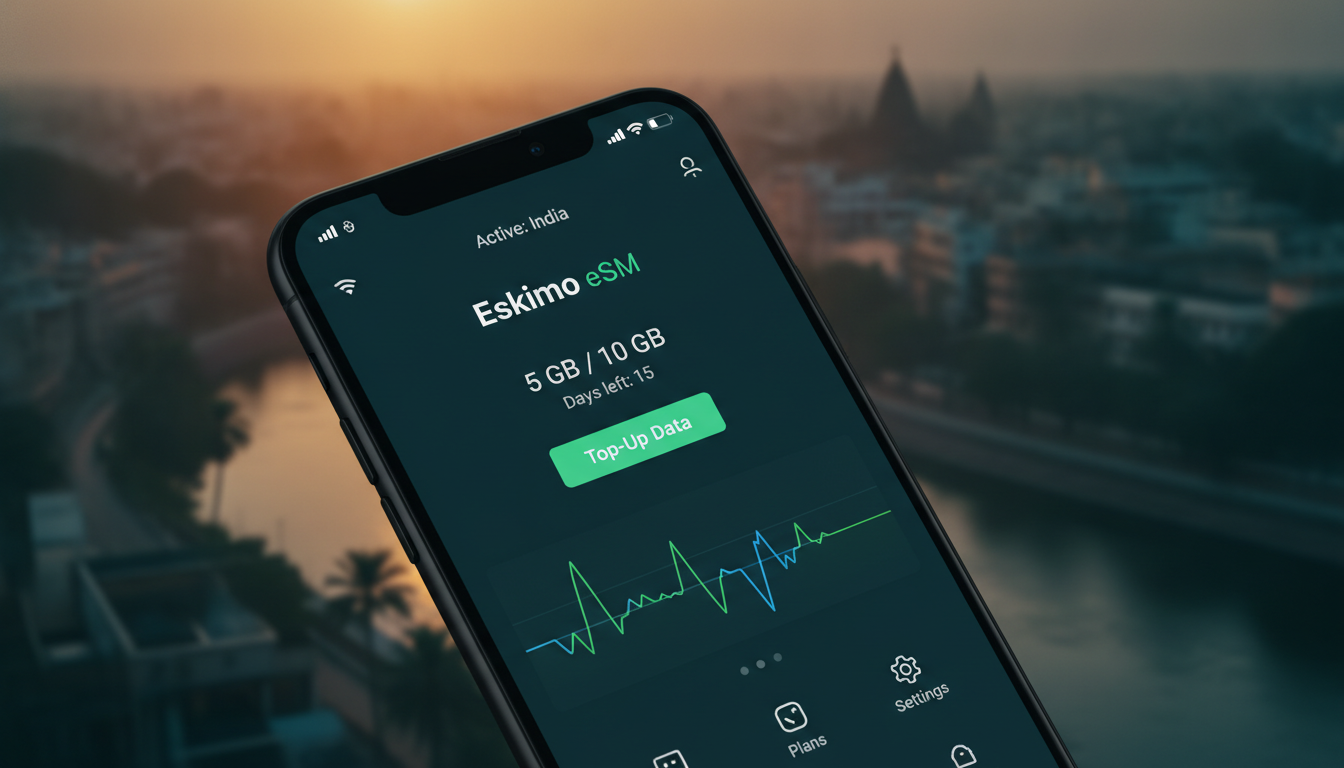
Troubleshooting Eskimo eSIM Activation Issues for Seamless Travel Connectivity
Activating an Eskimo eSIM can sometimes hit snags that disrupt your plans to stay connected while traveling. Whether it’s a glitch during installation or a compatibility hiccup, knowing exactly what can go wrong—and how to fix it—makes all the difference.
I always start by pinpointing the exact step where activation stalls, because the root cause often lies in overlooked details like device settings or network compatibility. Here’s a detailed guide to help you troubleshoot common Eskimo eSIM activation problems and get online smoothly.
Common Activation Problems With Eskimo eSIM and How to Fix Them
Device Compatibility and Network Settings
One frequent issue arises when the device isn’t fully compatible with the Eskimo eSIM profile or when network settings block activation. Eskimo eSIM supports 4G/5G data in over 111 countries, but not every phone model handles eSIM provisioning identically.
- Condition: Using a phone without native eSIM support or with outdated firmware.
- Mechanism: The device’s operating system fails to recognize or install the eSIM profile correctly.
- Consequence: Activation stalls or the eSIM doesn’t appear in your mobile data settings.
To avoid this, verify your device is an Eskimo eSIM compatible device. For example, iPhone XS and later models, Google Pixel 3 and newer, and many Samsung Galaxy S20+ and above support eSIM profiles.
Also, ensure your phone’s OS is updated to the latest version—outdated software often blocks remote SIM provisioning.
If you’re unsure about compatibility, I recommend checking detailed guides on devices optimized for India travel connectivity like this eSIM India iPhone guide, which covers device-specific quirks that affect activation.
QR Code Scanning Errors and Profile Installation
Eskimo delivers its eSIM profiles via QR codes scanned directly from their app or website. A common trap is scanning a QR code under poor lighting or with camera autofocus issues.
- Condition: Blurry or incomplete scanning of the QR code.
- Mechanism: The phone cannot read the embedded activation data properly.
- Consequence: The profile fails to download or shows an error message during installation.
I always advise against rushing this step. Use good lighting and steady your phone camera when scanning.
If scanning repeatedly fails, try downloading the QR code image on another device and then transfer it via email or cloud storage for scanning from a clearer screen.
Once scanned, watch for confirmation that the profile has been added under your phone’s cellular settings. On iOS, it should appear under “Cellular Plans.” On Android, it might be listed as “Mobile Plans” or “eSIM Profiles.” If it doesn’t show up after scanning, restart your phone before trying again—sometimes the system needs a reboot to register new profiles.
Activation Fails Due to Carrier or Network Restrictions
Eskimo’s global data plans rely on local carrier partnerships in each country. Occasionally, activation fails because of carrier restrictions or network lockouts.
- Condition: Trying to activate in a country where local carriers block unknown eSIM profiles.
- Mechanism: The network refuses connection requests from unrecognized SIM profiles.
- Consequence: No data connection despite successful profile installation.
This is more common in countries with strict telecom regulations or on devices locked to specific carriers. To troubleshoot:
- Confirm your device is unlocked from any carrier restrictions.
- Check Eskimo’s coverage map for your destination country; although Eskimo covers 175+ countries globally, coverage quality varies.
- If you encounter persistent failures, switching temporarily to airplane mode for 30 seconds before re-enabling cellular data can reset network registration attempts.
For travelers heading to India specifically, where network compatibility can be tricky, I suggest comparing options with providers specialized in Indian coverage like Jio or Airtel through resources such as best eSIM for India travel.
How to Activate an Eskimo eSIM Without Issues: Step-by-Step
Step 1: Prepare Your Device
Before purchasing an Eskimo eSIM plan:
- Ensure your device supports eSIM technology (check manufacturer specs).
- Update your operating system to the latest version available.
- Disable any VPNs or proxy apps that might interfere with network connections during activation.
Step 2: Purchase and Download Your Plan
Eskimo offers flexible data packages with no expiration on unused data—a feature that sets it apart from many competitors. You can buy plans covering multiple trips without losing GBs over time.
After purchase:
- Open the Eskimo app or website.
- Scan the provided QR code carefully.
- Confirm the profile installs under cellular settings.
Step 3: Activate Cellular Data
Once installed:
- Go to your phone’s cellular settings.
- Select the Eskimo plan as your active data source.
- Turn off Wi-Fi to test mobile data connectivity.
If data doesn’t activate immediately, toggle airplane mode on and off. This forces your device to reconnect with local networks using the new profile.
Step 4: Monitor Data Usage and Manage Plans
Eskimo’s app lets you track remaining data easily. Since there’s no expiry on purchased data according to their official specification (source: Eskimo official site), you can use leftover GBs on future trips without repurchasing immediately.
Understanding Eskimo eSIM Features That Affect Activation
No Expiry Data Policy
Eskimo’s standout feature is its no-expiry data policy across all new plans (source: Eskimo app update October 2026). This means once you buy an Eskimo eSIM data package, unused gigabytes remain valid indefinitely until consumed on any trip worldwide.
This policy changes how you manage travel connectivity but also introduces a trap: users sometimes assume they can activate multiple plans simultaneously on one device without removing old profiles first.
- Condition: Multiple active profiles installed simultaneously.
- Mechanism: Device prioritizes one profile; others may conflict.
- Consequence: Activation errors or no data connection until conflicting profiles are removed.
Always delete old profiles before installing new ones unless you intend to switch manually between them.
Global Coverage With Local Speeds
Eskimo covers over 175 countries globally with 4G/5G speeds in more than 111 destinations (source: Eskimo official Instagram). However, actual speeds depend heavily on local infrastructure and roaming agreements.
For example:
- In Japan and Europe, users typically experience stable 4G LTE speeds.
- In emerging markets like India, speeds may vary due to regional carrier limitations despite successful activation.
This variability means that even if activation succeeds technically, real-world connectivity might fluctuate based on location and time of day—a factor travelers must anticipate when planning critical online tasks abroad.
The Cost of Eskimo eSIM Compared to Other Providers
Eskimo does not offer unlimited global data plans; each package comes with a fixed amount of gigabytes priced according to destination coverage (source: esimdb.com). For travelers focused on India, cheaper alternatives exist with competitive pricing starting around $3 per GB for 30 days from providers like JamboSim or Airalo (source: MyBestSim).
| Provider | MyBestSim Rank | User Rating | Promo Code | Discount |
|---|---|---|---|---|
| Roamic | 1 | 4.9 | MYBESTSIM | -10% unlimited |
| Airalo | 8 | 4 | MYBESTSIM | -10% unlimited |
| JamboSim | 19 | 4 | MYBESTSIM | -15% unlimited |
| Eskimo | 55 | N/A | MYBESTSIM | -10% unlimited |
I’d advise against choosing Eskimo solely based on price if you need extensive unlimited data in India; other providers rank higher for value according to MyBestSim’s comparison tool. However, if you want flexibility across many countries without worrying about expiry dates, Eskimo’s no-expiry feature might justify its cost premium for multi-destination travelers.
Avoiding Common Mistakes When Using an Eskimo eSIM Plan
-
Don’t Activate Without Checking Device Lock Status
Carrier locks prevent new SIM profiles from registering properly. Always unlock your phone before buying an Eskimo plan. -
Avoid Installing Multiple Profiles Without Removal
Conflicting profiles cause activation failures; delete old ones first unless switching manually between plans is intended. -
Don’t Skip Firmware Updates
Outdated OS versions lack necessary support for remote SIM provisioning protocols like GSMA SGP.22 standard governing eSIM management. -
Don’t Ignore Network Settings
Ensure cellular data roaming is enabled if activating abroad; otherwise, no connection will occur despite successful profile installation.
By following these steps carefully and understanding how each factor affects activation mechanics, you’ll minimize downtime and enjoy seamless connectivity wherever you travel with your Eskimo eSIM.
For travelers planning extended stays in India who want reliable connectivity options beyond Eskimo’s global plan offerings, exploring dedicated Indian providers through resources like India SIM unlimited data plans can provide tailored solutions optimized for local networks and better pricing structures suited for heavy usage scenarios abroad.
FAQ
What devices are compatible with Eskimo eSIM?
Eskimo eSIM works with devices that support native eSIM technology, such as iPhone XS and newer, Google Pixel 3 and above, and Samsung Galaxy S20+ models. Ensuring your device’s operating system is updated is crucial for proper eSIM profile installation.
How can I fix QR code scanning issues during activation?
To avoid scanning errors, use good lighting and hold your phone steady when scanning the QR code. If problems persist, try downloading the QR code on another device and scan it from there. Restarting your phone after scanning can also help register the profile.
Why does Eskimo eSIM activation fail in some countries?
Activation may fail due to local carrier restrictions or network lockouts, especially in countries with strict telecom regulations. Make sure your device is unlocked and check Eskimo’s coverage map. Toggling airplane mode can sometimes reset network registration.
Can I activate multiple Eskimo eSIM profiles simultaneously?
Installing multiple active eSIM profiles at once can cause conflicts and activation errors. It’s best to delete old profiles before adding new ones unless you plan to switch manually between them to avoid connectivity issues.
What should I do if my Eskimo eSIM data doesn’t activate immediately?
If data doesn’t activate right away, toggle airplane mode on and off to force your device to reconnect to local networks. Also, ensure cellular data roaming is enabled and that no VPN or proxy apps interfere with the connection.

Anjali Rao
Anjali is a travel and technology writer who has criss-crossed India by train, plane and rickshaw. At India eSIM she tests travel data plans on Jio, Airtel and Vi and explains how visitors can stay online affordably from Delhi to the backwaters of Kerala.