How to Use eSIM for iPhone in India in 2026
6/16/2026
In short, what you'll discover in this article:
Explore how to use the esim india iphone effectively, including compatible iPhone models, Indian carriers supporting eSIM, step-by-step activation guides, and tips for travelers. Learn about the best plans, troubleshooting, and security practices to make your eSIM experience seamless in India.
1. Introduction — What is an eSIM and Why It Matters for iPhones in India
An eSIM (embedded SIM) is a digital SIM that allows you to activate a cellular plan without needing a physical SIM card. For iPhone users in India, this technology offers convenience by eliminating the need to swap physical SIMs when changing carriers or traveling.
It also enables dual-SIM functionality on supported iPhones, letting you manage personal and work numbers on one device.
Using an eSIM in India is increasingly relevant due to the growing support from major telecom providers and the rise of prepaid data plans tailored for travelers and residents alike. This flexibility can save time, reduce hassle, and sometimes cut costs compared to traditional SIM cards.
2. Compatibility — Which iPhones Support eSIM in India
2.1 Compatible Models and Required iOS Versions
Most recent iPhone models sold in India support eSIM technology. Compatible devices include:
- iPhone XS, XS Max, XR and later models (iPhone 11, 12, 13, 14 series)
- iPhone SE (2nd generation) and newer
To use an eSIM on these devices, your iPhone must run at least iOS 12.1 or later. Apple regularly updates iOS to improve eSIM functionality and carrier compatibility.
2.2 Hardware or Software Limitations to Know
- Some older iPhones do not support eSIM.
- Dual-SIM capability combines one physical SIM slot with one eSIM.
- Certain carriers may restrict eSIM activation based on their policies.
- Activation requires a stable internet connection (Wi-Fi or cellular).
3. Indian eSIM Carriers — Support Status and Offers
3.1 Airtel — Activation Process and Plan Types
Airtel supports eSIM activation for compatible iPhones across India. To activate:
- Visit an Airtel store or use the Airtel Thanks app.
- Provide valid ID proof for verification.
- Scan the QR code provided by Airtel or receive an activation code via SMS.
- Follow on-screen instructions on your iPhone.
Airtel offers prepaid and postpaid plans with data options ranging from daily packs to monthly unlimited data plans suitable for heavy users.
3.2 Jio — Activation Process and Plan Types
Jio is a pioneer in India's eSIM market with widespread support:
- Activation can be done online via the MyJio app or at Jio stores.
- Submit KYC documents digitally.
- Scan the QR code sent by Jio or enter the activation code manually.
- Plans include affordable prepaid data packs starting from small daily limits to unlimited monthly plans.
Jio also provides excellent 4G/5G coverage across urban and rural areas.
3.3 Vi (Vodafone Idea) and Other MVNOs — Status and Features
Vi supports eSIM activation primarily through retail stores with QR code provisioning. Their prepaid plans are competitive with flexible data options.
Other Mobile Virtual Network Operators (MVNOs) may offer limited or no eSIM support currently but keep an eye on updates as the market evolves.
4. How to Activate an eSIM on iPhone — Step-by-Step Guide
4.1 Prerequisites (iOS Version, Wi‑Fi, QR Code, ID)
Before starting:
- Ensure your iPhone runs iOS 12.1 or later.
- Connect to a stable Wi-Fi network.
- Have your carrier’s QR code ready (sent via email or provided physically).
- Keep valid identification documents handy for verification if required.
4.2 Activation via QR Code — Detailed Steps
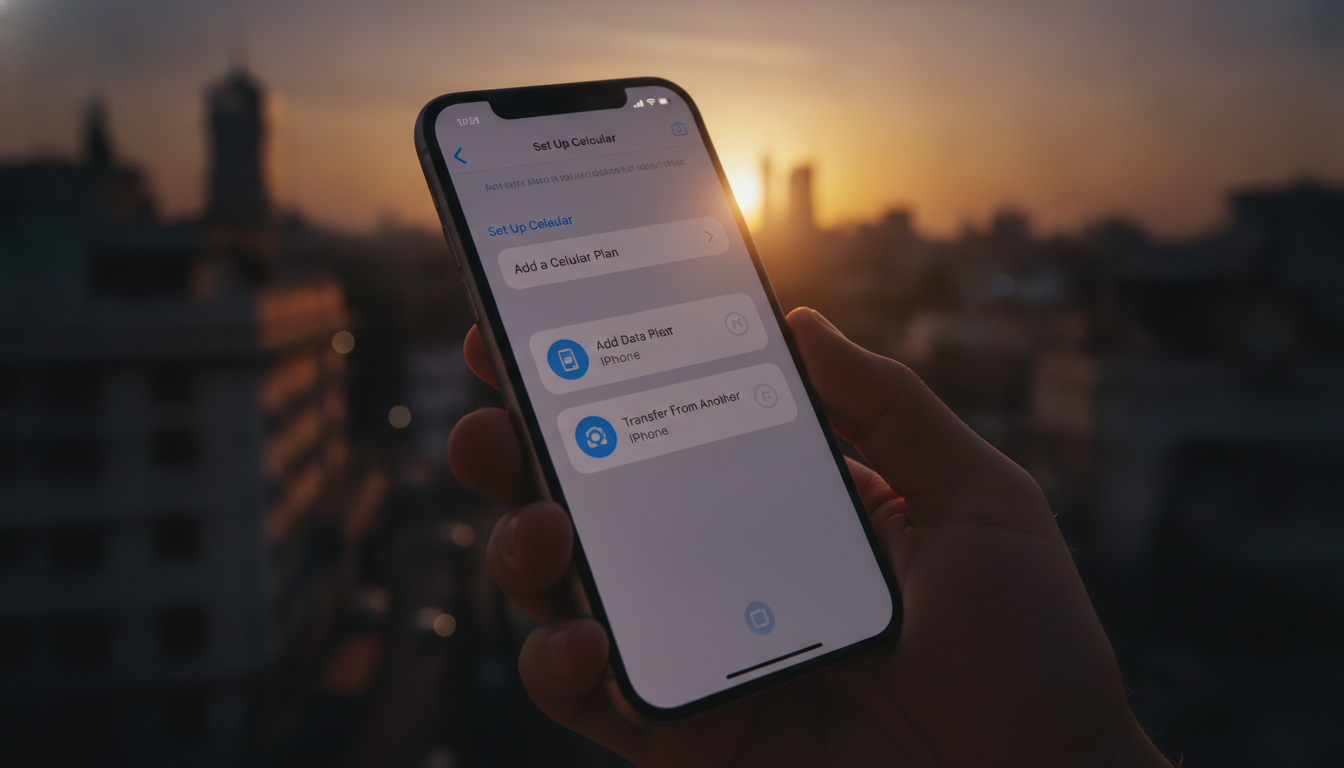
- Open Settings > Cellular > Add Cellular Plan.
- Use your iPhone’s camera to scan the QR code provided by your carrier.
- Follow prompts to label your plan (e.g., Primary, Secondary).
- Confirm activation; your cellular plan will download automatically.
- Restart your phone if necessary.
4.3 Activation via Carrier App or Activation Code
Some carriers offer activation through their mobile apps:
- Download the carrier’s official app (e.g., Airtel Thanks, MyJio).
- Log in and select “Activate eSIM.”
- Follow instructions to verify identity.
- Enter the activation code received via SMS or email.
- Complete setup within the app; your plan will activate shortly.
5. Managing eSIM Profiles on Your iPhone
5.1 Adding, Naming, and Switching Between Profiles
You can store multiple eSIM profiles but only use one at a time alongside a physical SIM:
- Go to Settings > Cellular > Cellular Plans.
- Tap Add Cellular Plan to add new profiles.
- Assign custom labels for easy identification.
- Switch between profiles by selecting the desired plan under Cellular settings.
5.2 Setting Primary Line and Data Preferences
Set which line you want as primary for calls, messages, and data:
- Choose default voice line under Default Voice Line.
- Select preferred line for cellular data under Cellular Data settings.
- Enable or disable lines as needed without removing profiles.
5.3 Removing or Reinstalling an eSIM Profile
To delete an unwanted profile:
- Navigate to Settings > Cellular > select the profile.
- Tap Remove Cellular Plan.
- Confirm removal.
Reinstallation requires scanning the original QR code again or contacting your carrier.
6. Common Issues and Troubleshooting
6.1 QR Code Not Recognized / Activation Error Messages
If your iPhone does not recognize the QR code:
- Ensure camera focus is clear; try better lighting conditions.
- Verify that the QR code is current; expired codes won’t work.
- Restart your phone before retrying.
- Contact your carrier for a new QR code if problems persist.
6.2 No Network After Activation — Resolution Steps
If no signal appears after activation:
- Toggle Airplane Mode on/off.
- Restart your device.
- Check carrier settings updates under Settings > General > About.
- Confirm correct cellular plan is selected under Cellular settings.
- Reset network settings if necessary (Settings > General > Reset > Reset Network Settings).
If issues continue, contact carrier support directly.
7. eSIM for Travelers — Options and Recommendations
7.1 Tourist Plans vs Buying a Local Indian eSIM
Tourists visiting India can choose between:
- Tourist-specific prepaid eSIMs offering short-term unlimited data without KYC hassles.
- Local Indian carrier eSIMs requiring KYC but often cheaper for longer stays.
Tourist plans are convenient but may cost more per GB than local plans.
7.2 Activating Before Departure vs On Arrival — Pros and Cons
Activating before arrival:
- Saves time at airports; get connected immediately upon landing.
- May have limited coverage compared to local providers.
Activating after arrival:
- Access full range of local plans with better prices.
- Requires visiting stores or completing KYC procedures locally.
Travelers should weigh convenience against cost based on trip length.
8. Costs, Benefits, and Drawbacks of Using an eSIM in India
Using an eSIM india iphone offers several benefits:
- Instant activation without physical SIM swapping
- Dual-SIM functionality on one device
- Easy switching between carriers/plans
- Reduced risk of losing physical SIM cards
Costs vary depending on provider and plan type but generally align with traditional SIM pricing in India.
Drawbacks include dependency on carrier support and occasional technical glitches during setup.
9. Security Best Practices for eSIM Use in India
To protect your digital SIM profile:
- Keep your QR codes confidential; avoid sharing screenshots publicly.
- Remove eSIM profiles before selling or giving away your device.
- Backup important data regularly in case of device loss or reset.
- Use strong device passcodes and enable Face ID/Touch ID for added security.
10. Practical FAQ Highlights (Compatibility, Pricing, Carrier Support)
For detailed answers about compatibility, pricing tiers, supported operators like Airtel, Jio, Vi, and recovery options after phone restoration, refer to official Apple support pages such as Set up eSIM on iPhone.
11. Conclusion — Quick Recommendations for iPhone Users in India
Switching to an esim india iphone setup offers unmatched convenience for managing mobile connectivity across India’s top networks like Airtel and Jio. Ensure your device is compatible with updated iOS versions before activating through trusted carriers using their official apps or QR codes.
For travelers seeking hassle-free connectivity without roaming fees, consider purchasing a prepaid local eSIM plan from providers featured at indiasim.com or explore international options like GigSky.
Embrace this digital SIM technology today to enjoy seamless mobile experiences across India!
12. Useful Resources and Official Links
For further assistance:
- Apple’s guide on choosing wireless providers in India
- Airtel official website
- Jio official website
- Vi (Vodafone Idea) official website
These resources provide updated information about supported devices, activation procedures, and available plans tailored specifically for Indian users with iPhones using eSIM technology.

Anjali Rao
Anjali is a travel and technology writer who has criss-crossed India by train, plane and rickshaw. At India eSIM she tests travel data plans on Jio, Airtel and Vi and explains how visitors can stay online affordably from Delhi to the backwaters of Kerala.