Troubleshooting Suriye eSIM Activation Issues in India
9/8/2026
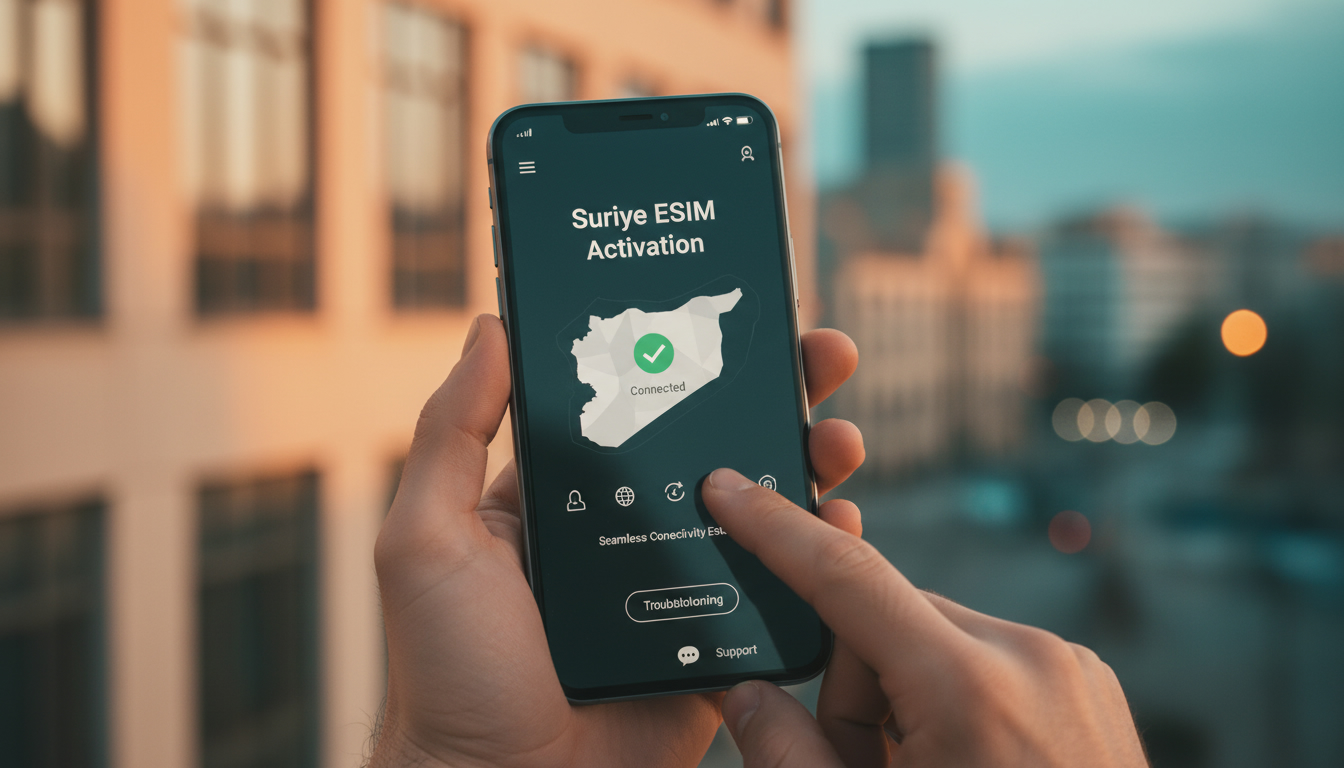
Troubleshooting Syrian eSIM Activation Issues While Traveling in India
Activating a Syrian eSIM can be tricky, especially when you're traveling in India and want seamless connectivity without swapping physical SIM cards. The main hurdles usually come down to device compatibility, network restrictions, and the activation process itself.
I always start by checking these three factors because overlooking any one of them can leave you offline at the worst moment. Here’s how to identify common activation problems with a Syrian eSIM and practical solutions to get you connected quickly.
Common Activation Issues With Syrian eSIMs and How to Fix Them
Device Compatibility Problems
One of the most frequent issues is that the device doesn’t support the Syrian eSIM profile or the network bands used by Syrian carriers. Not all smartphones or tablets are compatible with every eSIM provider, especially for countries like Syria where eSIM adoption is still emerging.
- Condition: Your phone supports eSIM but lacks the necessary network bands for Syrian carriers like Syriatel or MTN Syria.
- Mechanism: The device tries to register on incompatible LTE or 3G bands, causing activation failures or no signal.
- Consequence: You get stuck at “activation failed” or “no service” despite scanning the QR code correctly.
To avoid this, verify your device supports the GSM bands used by Syrian networks (e.g., Band 3 at 1800 MHz for LTE). Also, check that your device’s firmware is updated to handle international eSIM profiles.
I’d advise against skipping this step because many travelers assume “eSIM means universal,” which it doesn’t.
Network Restrictions and Roaming Limitations
Syrian eSIM providers often impose restrictions on roaming, especially when activating outside Syria. Some plans only activate once you arrive in Syria or require local IP verification.
- Condition: You try to activate a Syrian eSIM while physically in India.
- Mechanism: The carrier’s system blocks activation requests from foreign IP addresses or non-Syrian networks.
- Consequence: Activation stalls or fails with error messages like “Activation not allowed” or “Network error.”
The workaround is to use an international travel eSIM that includes Syria in its coverage or wait until you land in Syria to activate your Syrian carrier’s eSIM. Alternatively, some third-party providers offer multi-country plans including Syria with instant activation from anywhere.
For example, Wow eSIM provides instant access plans for Syria that bypass local carrier restrictions.
How to Activate a Syrian eSIM: Step-by-Step Guide
Step 1: Confirm Your Device Supports Syrian eSIMs
Check your phone model against the list of supported devices from your chosen provider. Apple iPhones XS and later, Google Pixel 3 and newer, and Samsung Galaxy S20+ onwards generally support multiple eSIM profiles but verify band compatibility as well.
Step 2: Purchase the Right Syrian eSIM Plan
You can buy a Syrian eSIM plan either directly from local carriers like Syriatel and MTN Syria or from international resellers offering Syrian coverage. The process usually involves:
- Selecting a data package (e.g., 1 GB valid for 7 days via Syriatel)
- Providing an email address for QR code delivery
- Paying online via credit card or PayPal
The QR code arrives instantly after payment on most platforms like GetRoamify or Pocket eSIM.
Step 3: Scan the QR Code and Install Profile
Open your phone’s Settings > Cellular > Add Cellular Plan, then scan the QR code received by email. Avoid activating during peak hours when carrier servers may be overloaded, causing timeouts.
Step 4: Set Your Syrian eSIM as Primary Data Source
After installation, assign the Syrian eSIM as your default data line in Settings. If you keep your physical SIM active simultaneously, make sure data roaming is enabled on the eSIM profile.
Step 5: Restart Your Device and Test Connectivity
A restart forces your phone to register on the new network properly. If you see “No Service,” toggle airplane mode on/off and check APN settings provided by your carrier.
Troubleshooting Tips for Specific Activation Errors
| Error Message | Cause | Fix |
|---|---|---|
| Activation Failed | Network restrictions or incompatible device | Use an international multi-country plan including Syria; update device firmware |
| No Service After Setup | Incorrect APN settings or band mismatch | Manually enter APN details from Syriatel/MTN Syria; verify LTE band support |
| QR Code Not Scanning | Poor camera focus or expired QR code | Use a different device to scan; request a new QR code from provider |
| Data Not Working | Data roaming disabled or profile inactive | Enable data roaming; ensure profile is active under cellular settings |
I always recommend double-checking APN configurations because carriers like Syriatel require specific APN names (“internet.sy”) for data to work properly. Missing this step is a common mistake that leads travelers to think their eSIM is faulty.
Understanding Costs and Coverage of Syrian eSIM Networks
Syrian carriers typically offer affordable prepaid data plans via their physical SIMs and increasingly through eSIMs. For example:
- Syriatel offers a 1 GB plan valid for 7 days, activated instantly upon scanning the QR code.
- MTN Syria provides similar packages but may require activation inside Syria due to roaming restrictions.
Prices vary depending on provider and reseller but expect rates competitive with regional standards. Since official pricing details are often not published online by local carriers, using international resellers like Wow eSIM can provide transparent pricing and instant setup.
Coverage-wise, Syriatel and MTN Syria cover most urban areas with 4G LTE but rural zones may still rely on slower 3G networks. When using an international travel eSIM that includes Syria, coverage depends on partner networks chosen by the provider.
Differences Between Syrian Physical SIMs and eSIMs
The main difference lies in convenience versus availability:
- Physical SIM: Requires swapping SIM cards physically; guaranteed compatibility with local networks; often cheaper but less flexible.
- Syrian eSIM: Downloaded digitally via QR code; no need for physical card changes; ideal for travelers who want instant connectivity without visiting local shops.
However, not all devices support multiple simultaneous profiles well, so if you rely heavily on local calls or SMS in Syria, a physical SIM might still be necessary alongside your international travel eSIM.
Where to Buy and How to Choose the Best Syrian eSIM Plans
Since direct purchase from Syrian carriers online can be limited due to regional restrictions, I suggest checking platforms specializing in travel eSIMs that include Syria coverage:
- Wow eSIM offers affordable rates with easy setup and instant access.
- Pocket eSIM provides flexible packages starting at competitive prices.
- GetRoamify delivers QR codes within seconds after payment for quick activation.
For travelers planning multi-country trips including India and Syria, comparing offers through MyBestSim can help find plans that cover both destinations efficiently without swapping profiles constantly. This approach saves time during transit and avoids roaming fees unexpectedly.
If you want guidance specifically about Indian travel eSIMs alongside your Syrian plan, I recommend reading detailed activation tips available at IndiaSim’s blog on India travel eSIM where I explain how to manage multiple profiles smoothly across borders.
By focusing on these troubleshooting steps—device compatibility checks, understanding network restrictions, following precise activation procedures—and choosing reliable providers with clear pricing, you’ll avoid most common pitfalls when activating a Syrian eSIM while traveling in India. Staying connected should never be an afterthought during your trip preparation.
FAQ
What devices support Syrian eSIM activation abroad?
Devices like Apple iPhone XS and newer, Google Pixel 3+, and Samsung Galaxy S20+ generally support Syrian eSIMs. However, you must verify your phone supports the specific Syrian network bands and has updated firmware to avoid activation issues.
Why does my Syrian eSIM fail to activate in India?
Activation often fails due to network restrictions blocking foreign IP addresses or non-Syrian networks. Syrian carriers may require activation inside Syria or use local IP verification, causing errors like 'Activation not allowed' when activating abroad.
How can I fix 'No Service' after installing a Syrian eSIM?
Check that your device supports the correct LTE bands and manually enter the APN settings provided by Syriatel or MTN Syria. Also, enable data roaming and restart your phone to ensure proper network registration.
Where can I buy reliable Syrian eSIM plans for travel?
You can purchase Syrian eSIM plans from local carriers like Syriatel or MTN Syria, or use international resellers such as Wow eSIM, Pocket eSIM, and GetRoamify. These platforms offer instant QR code delivery and multi-country coverage options.
What are the main differences between Syrian physical SIMs and eSIMs?
Physical SIMs require swapping cards and guarantee local network compatibility, often at lower cost. Syrian eSIMs are downloaded digitally via QR codes, offering convenience and instant activation but may face device compatibility or roaming restrictions.

Anjali Rao
Anjali is a travel and technology writer who has criss-crossed India by train, plane and rickshaw. At India eSIM she tests travel data plans on Jio, Airtel and Vi and explains how visitors can stay online affordably from Delhi to the backwaters of Kerala.