Moremins Review Troubleshooting: Fix Activation Issues in India
9/20/2026
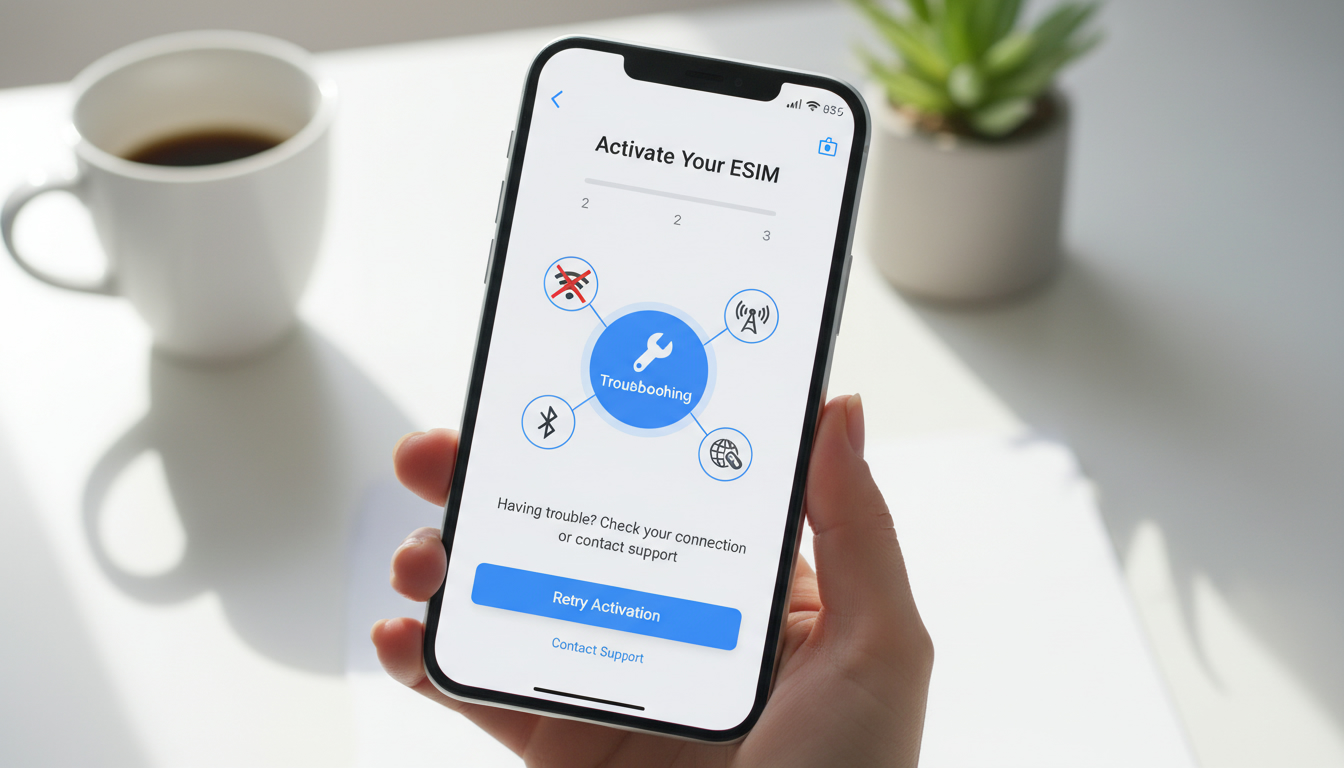
Troubleshooting MoreMins eSIM Activation Issues for Seamless Connectivity in India
Activating a MoreMins eSIM plan can sometimes hit snags that disrupt your connectivity, especially when traveling in India. Common issues like failed activation, balance errors, or SMS verification problems often stem from specific technical or procedural pitfalls.
Understanding these can save you time and frustration, ensuring your MoreMins service works smoothly when you need it most.
Common Activation Problems with MoreMins eSIM and How to Fix Them
MoreMins users frequently report a handful of recurring problems during activation. These issues usually arise from the interaction between the app, device settings, and network conditions.
Failed Activation Due to Network or Device Settings
A primary hurdle is the failure of the eSIM profile to download or activate on your smartphone. This often happens when:
- Condition: The device’s network settings are incompatible or improperly configured.
- Mechanism: The eSIM profile requires a stable internet connection and correct APN (Access Point Name) settings to register with the carrier.
- Consequence: The activation process stalls or returns an error like "Activation failed" or "Profile download unsuccessful."
To resolve this, I always start by verifying that your phone supports eSIM technology and is unlocked for use with third-party carriers. Then, ensure Wi-Fi or mobile data is active during activation—MoreMins requires an internet connection to fetch the profile securely.
If you’re on Wi-Fi, avoid public hotspots without encryption because they can block necessary ports.
Another trap is neglecting APN settings: MoreMins does not always auto-configure these. Manually setting the APN to match the Indian carrier network you are connecting through (e.g., Jio, Airtel) can restore connectivity. You can find APN details on official carrier websites or trusted sources like India eSIM activation guides.
Balance Errors and Unexpected Negative Balances
Some users report their MoreMins app showing a zero or negative balance shortly after topping up.
- Condition: The app’s balance sync fails due to server delays or software glitches.
- Mechanism: The system processes usage data asynchronously; if there’s a delay in updating your account balance, the app may temporarily display incorrect figures.
- Consequence: You might be unable to make calls or send SMS despite having credit.
In my experience, this issue often resolves by logging out and back into the app or reinstalling it to refresh data synchronization. Avoid topping up repeatedly during this error state as it might complicate account reconciliation.
If problems persist, contacting MoreMins customer support is necessary, though user feedback indicates their responsiveness can be inconsistent.
SMS Verification Failures for Virtual Numbers
MoreMins offers virtual phone numbers used for SMS verification on platforms like LinkedIn or Facebook. However, many users face issues receiving verification codes.
- Condition: The virtual number service does not support all types of SMS traffic or certain platforms block virtual numbers.
- Mechanism: Some services detect virtual numbers and prevent sending SMS verification codes to them as a fraud prevention measure.
- Consequence: Verification attempts fail repeatedly, locking you out of accounts.
I’d advise against relying solely on MoreMins virtual numbers for critical SMS verifications without testing first. If you must use them, try disabling VPNs during verification since VPNs can interfere with message routing.
Also, consider alternative verification methods like email or physical SIM-based numbers if available.
Navigating MoreMins Platform Features That Affect Activation
Understanding how MoreMins’ platform operates helps anticipate potential activation pitfalls and manage expectations.
Privacy and Security Settings Impacting Connectivity
MoreMins emphasizes user privacy by not recording calls or selling data to advertisers. While this commitment is positive, it means:
- Condition: The app routes calls through secure servers rather than traditional telecom infrastructure.
- Mechanism: This routing can introduce latency or require additional permissions on your device.
- Consequence: Activation may fail if permissions are denied or if firewall settings block the app’s connection.
Granting all requested permissions during installation and disabling restrictive firewalls temporarily during activation can prevent these issues. Also, ensure your device’s date and time settings are accurate; incorrect system clocks often cause SSL certificate errors blocking secure connections.
Subscription Plans and Pricing Transparency
MoreMins offers competitive pricing for international calls—often cited as 1–1.5 cents per minute to Europe—but pricing details for Indian eSIM plans are less clear publicly.
For travelers seeking reliable Indian connectivity, I recommend comparing MoreMins plans with other providers listed on MyBestSim, which ranks Indian eSIM providers by price and user ratings. For example:
| Provider | MyBestSim Rank | Rating | Promo Code | Discount |
|---|---|---|---|---|
| Roamic | 1 | 4.9 | MYBESTSIM | -10% unlimited |
| Orange Travel | 2 | 4.7 | MYBESTSIM | -5% unlimited |
| LinkeSIM | 4 | 4.5 | MYBESTSIM | -5% unlimited |
| Airalo | 8 | 4.0 | MYBESTSIM | -10% unlimited |
This comparison is crucial because MoreMins’ unclear subscription options may lead to unexpected costs or limited validity periods that affect your connectivity duration.
Practical Steps to Ensure Smooth MoreMins eSIM Activation in India
Avoiding common mistakes during activation requires a step-by-step approach that covers device preparation, app setup, and network configuration.
Step-by-Step Activation Checklist
-
Verify Device Compatibility
Confirm your smartphone supports eSIM profiles compatible with Indian carriers (e.g., iPhone XS or later, Google Pixel 3a+). -
Download the Latest MoreMins App Version
Using outdated app versions causes bugs; always update from official stores (Google Play Store or Apple App Store). -
Enable Stable Internet Connection
Use secure Wi-Fi or mobile data during activation; unstable connections cause profile download failures. -
Scan QR Code Carefully
When installing the eSIM profile via QR code, ensure no screen glare obstructs scanning; misreads cause incomplete installations. -
Manually Configure APN Settings if Needed
If calls/data don’t work post-installation, input APN parameters matching your local carrier manually. -
Restart Device After Installation
A reboot ensures all network services initialize correctly with the new profile. -
Test Calls and Data Immediately
Confirm outgoing/incoming calls and data access before leaving Wi-Fi coverage areas.
Common Mistakes That Cause Activation Failures
- Overlooking device unlock status: Locked phones reject third-party eSIM profiles.
- Ignoring app permissions: Denying location or network permissions blocks essential functions.
- Attempting activation in areas with poor network coverage: Without minimal signal strength (e.g., at least one bar LTE), profile registration fails.
- Using VPNs during activation: VPNs can reroute traffic causing server authentication errors.
How MoreMins Customer Feedback Reflects Activation Challenges
User reviews reveal mixed experiences that highlight both strengths and weaknesses of MoreMins service:
- Positive feedback often praises low calling rates to Europe and privacy features.
- Negative comments focus on poor customer support quality described as unprofessional and slow responses.
- Several users report persistent issues with SMS messaging capabilities despite multiple troubleshooting attempts.
These insights suggest that while MoreMins offers attractive pricing and privacy benefits, its platform still struggles with reliability in some core functions like SMS reception and account balance accuracy.
For travelers prioritizing seamless connectivity in India, I recommend consulting detailed guides such as the best eSIM for India which cover providers optimized for local networks including Jio and Airtel coverage areas.
By focusing on these troubleshooting tactics—checking device compatibility, managing network settings carefully, and understanding platform limitations—you can avoid common pitfalls during MoreMins eSIM activation and maintain uninterrupted connectivity throughout your stay in India.
FAQ
Why does MoreMins eSIM activation fail on my phone?
Activation often fails due to incompatible network settings or lack of internet connection. Ensure your device supports eSIM, is unlocked, and has stable Wi-Fi or mobile data during activation. Manually setting the correct APN for your local carrier can also resolve this issue.
How can I fix balance errors in the MoreMins app?
Balance errors usually result from delayed server synchronization. Logging out and back into the app or reinstalling it can refresh your balance display. Avoid multiple top-ups during this time, and contact customer support if the problem persists.
What causes SMS verification failures with MoreMins virtual numbers?
SMS verification fails because some platforms block virtual numbers to prevent fraud. VPN use can interfere with message delivery. It’s best to test virtual numbers beforehand or use alternative verification methods like email or physical SIM numbers.
How do privacy settings affect MoreMins eSIM activation?
MoreMins routes calls through secure servers, requiring permissions and accurate device time settings. Denying permissions or having restrictive firewalls can block activation. Grant all app permissions and disable firewalls temporarily to ensure smooth connectivity.
What steps ensure smooth MoreMins eSIM activation in India?
Verify device compatibility, update the MoreMins app, use a stable internet connection, scan the QR code carefully, manually configure APN if needed, restart your device after installation, and test calls and data before leaving Wi-Fi coverage.

Anjali Rao
Anjali is a travel and technology writer who has criss-crossed India by train, plane and rickshaw. At India eSIM she tests travel data plans on Jio, Airtel and Vi and explains how visitors can stay online affordably from Delhi to the backwaters of Kerala.