Troubleshooting Common Issues with Free Sim Trial Activation
11/4/2026
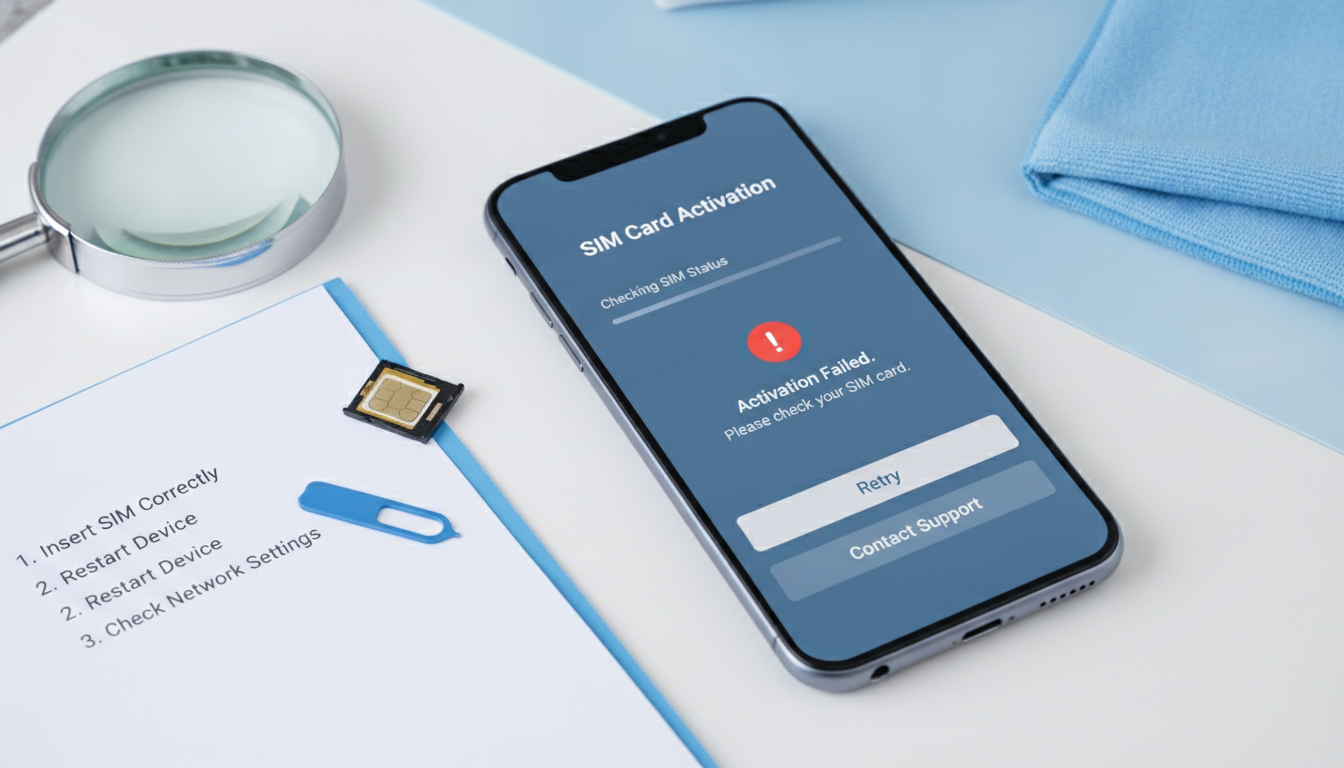
Troubleshooting Activation Issues With Free SIM Trial Offers
Getting a free SIM trial is a smart way to test a new carrier’s network without upfront costs or contracts. However, activation hiccups can quickly turn this convenient option into a frustrating experience.
Common problems include SIM recognition failures, activation delays, and data connectivity issues. I always start by pinpointing the exact step where the activation stalls because each phase—from receiving the SIM to configuring it on your device—has its own pitfalls.
For example, if your phone doesn’t detect the free SIM card at all, it’s often due to an incompatible device or a locked SIM slot. On the other hand, if the SIM is recognized but won’t activate, network provisioning delays or incorrect activation codes might be to blame.
Understanding these mechanisms helps you troubleshoot effectively and avoid wasting time.
Common Activation Roadblocks and How to Fix Them
SIM Not Recognized by Device
The first hurdle is when your phone fails to detect the free SIM card trial. This usually happens under two conditions:
- Condition: The phone is locked to another carrier or uses an unsupported frequency band.
- Mechanism: The device’s firmware restricts access to unauthorized SIMs or lacks compatibility with the carrier’s network bands.
- Consequence: The SIM remains invisible in the settings, preventing any activation steps.
To resolve this, check that your phone is unlocked and supports the carrier’s bands. For instance, many Indian carriers use LTE bands 3 (1800 MHz) and 40 (2300 MHz), so your device must support these for proper connectivity.
If you’re unsure about your phone’s status, consult your manufacturer’s specifications or visit a trusted unlocking service.
Activation Code Errors and Delays
Once your device recognizes the SIM, you typically need to enter an activation code or scan a QR code for eSIMs. Problems here often arise from:
- Condition: Using expired or incorrect activation credentials.
- Mechanism: The carrier’s provisioning server rejects invalid codes or experiences temporary outages.
- Consequence: Activation fails with error messages like “Invalid code” or “Activation unsuccessful.”
I’d advise against rushing through this step without verifying the code source. Always obtain activation details directly from the official provider website or authorized resellers.
For example, providers like JamboSim and Yatelo offer clear instructions on their portals and sometimes include promo codes such as “MYBESTSIM” for discounts on prepaid plans.
If you encounter delays, wait at least 30 minutes before retrying since provisioning servers may take time to process new activations.
Data Connectivity Issues After Activation
Sometimes the SIM activates successfully but data services don’t work properly. This can happen because:
- Condition: Incorrect APN (Access Point Name) settings on your phone.
- Mechanism: The device cannot connect to the carrier’s data network without proper APN configuration.
- Consequence: You get no internet access despite being connected to cellular service.
Manually entering APN settings is often necessary for free SIM trials since automatic configuration isn’t guaranteed. For Indian carriers, typical APN settings include:
- APN: airtelgprs.com (for Airtel)
- APN: jionet (for Jio)
- APN: internet (for Vi)
Referencing official carrier documentation ensures you input accurate parameters. If you’re testing international free SIM trials like those from Nomad or GigSky, their websites provide region-specific APN details.
How to Get a Free SIM Trial and What It Includes
Free SIM trials vary widely in duration, data allowance, and included services. Here are key points you should know:
| Provider | Trial Duration | Data Included | Voice & Text | Notes |
|---|---|---|---|---|
| T-Mobile | 15 days | Up to 30 GB high-speed | Unlimited talk/text | Requires app download |
| Nomad | 3 days | 1 GB | Data only | No credit card required |
| GigSky | 7 days | 100 MB | Data only | Works in 125 countries |
| BetterRoaming | 180 days | 9 GB total | Data only | No contract, no credit card |
These offers typically come with no contract and allow you to test coverage and speeds risk-free. The process to activate a free SIM trial usually involves ordering online, receiving a physical SIM or eSIM QR code by email, then following provider-specific instructions for setup.
For travelers heading to India, I recommend checking out local eSIM providers like eSIM.dog or JamboSim that offer affordable prepaid plans with clear activation steps and promo codes such as “MYBESTSIM” for savings.
Practical Steps to Activate Your Free SIM Trial Without Hassle
Step-by-Step Activation Guide
-
Verify Device Compatibility
Ensure your phone supports the network bands of the provider offering the free trial. For example, Indian networks commonly use LTE bands 3 and 40; check your device specs accordingly. -
Order Your Free Trial SIM
Request the free trial from official sources only—this avoids scams and ensures valid activation credentials. -
Insert Physical SIM or Scan eSIM QR Code
For physical cards, insert carefully into the correct slot; for eSIMs, use your phone’s native scanner in settings under cellular plans. -
Enter Activation Code If Required
Input any provided code exactly as given; do not guess or modify it. -
Configure APN Settings Manually If Needed
If mobile data doesn’t work after activation, enter APN details from your provider’s website. -
Restart Your Device
A reboot often triggers network registration and finalizes setup.
Common Mistakes That Delay Activation
- Overlooking device unlock status leads to unrecognized SIM cards.
- Using expired QR codes causes immediate rejection by provisioning servers.
- Skipping manual APN setup results in no data connectivity despite active service.
- Trying to switch carriers mid-trial without completing initial activation can lock your number temporarily.
I always recommend patience during activation—some carriers’ systems take up to an hour to fully provision new accounts even after successful code entry.
Benefits of Using a Free SIM Trial Before Committing
Trying out a free SIM trial offers several advantages that justify navigating occasional setup challenges:
- Risk-Free Testing: No upfront payment means you can evaluate coverage quality honestly.
- No Contract Obligations: You’re not locked into long-term plans if service disappoints.
- Real Usage Experience: Test actual data speeds and call quality in your daily environment.
- International Use Options: Some providers offer trials valid across multiple countries—ideal for travelers checking global coverage.
For example, Nomad’s free trial works in over 125 countries including India, allowing users to test connectivity broadly before purchasing larger data packages.
If you want reliable guidance on choosing Indian eSIM plans after your trial ends, I suggest visiting India eSIM travel guides where detailed comparisons help pick plans matching your usage patterns without roaming fees.
Troubleshooting Tips Specific to International Free SIM Trials
International free SIM trials pose unique challenges due to roaming agreements and regional restrictions:
- Some trials provide only limited data volumes (e.g., GigSky offers just 100 MB over 7 days), so heavy usage can exhaust allowances quickly.
- Activation servers may have regional downtime affecting provisioning speed.
- Certain phones require manual region selection in cellular settings when roaming internationally.
A practical observation: if you activate too close to border areas or during peak hours in popular tourist destinations, network congestion can delay registration signals causing temporary loss of service even after successful activation.
Always check provider FAQs for region-specific quirks before starting your trial abroad.
Navigating free SIM trial activations requires attention to device compatibility, precise input of activation credentials, and sometimes manual configuration of network settings like APNs. These steps prevent common pitfalls such as unrecognized SIMs or missing data connectivity that otherwise spoil what should be a seamless test of new carriers’ services. Leveraging resources like MyBestSim’s comparison tools can help identify providers offering transparent free trials with clear instructions and promo codes like “MYBESTSIM” that ease entry into prepaid plans once you decide to switch permanently. For travelers focused on India specifically, exploring tailored eSIM options through India prepaid eSIM guides ensures you stay connected affordably from Delhi through Kerala’s backwaters without roaming surprises.
FAQ
Why is my phone not recognizing the free SIM trial?
Your phone may be locked to another carrier or incompatible with the SIM’s network bands. Ensure your device is unlocked and supports the carrier’s frequencies, such as LTE bands 3 and 40 for many Indian providers.
What should I do if activation codes fail during setup?
Verify that you are using the correct, unexpired activation code from official sources. If errors persist, wait 30 minutes and retry, as provisioning servers may experience temporary delays.
How can I fix data connectivity issues after SIM activation?
Check and manually enter the correct APN settings provided by your carrier. Without proper APN configuration, your device won’t connect to mobile data even if the SIM is active.
What are common mistakes that delay free SIM trial activation?
Common errors include using a locked phone, expired activation codes, skipping manual APN setup, and switching carriers mid-activation. Patience is key since provisioning can take up to an hour.
How do international free SIM trials differ from local ones?
International trials often have limited data, regional restrictions, and may require manual region selection on your device. Network congestion and server downtime can also affect activation speed abroad.

Anjali Rao
Anjali is a travel and technology writer who has criss-crossed India by train, plane and rickshaw. At India eSIM she tests travel data plans on Jio, Airtel and Vi and explains how visitors can stay online affordably from Delhi to the backwaters of Kerala.