Troubleshooting Firsty eSIM Activation Issues in India
10/31/2026
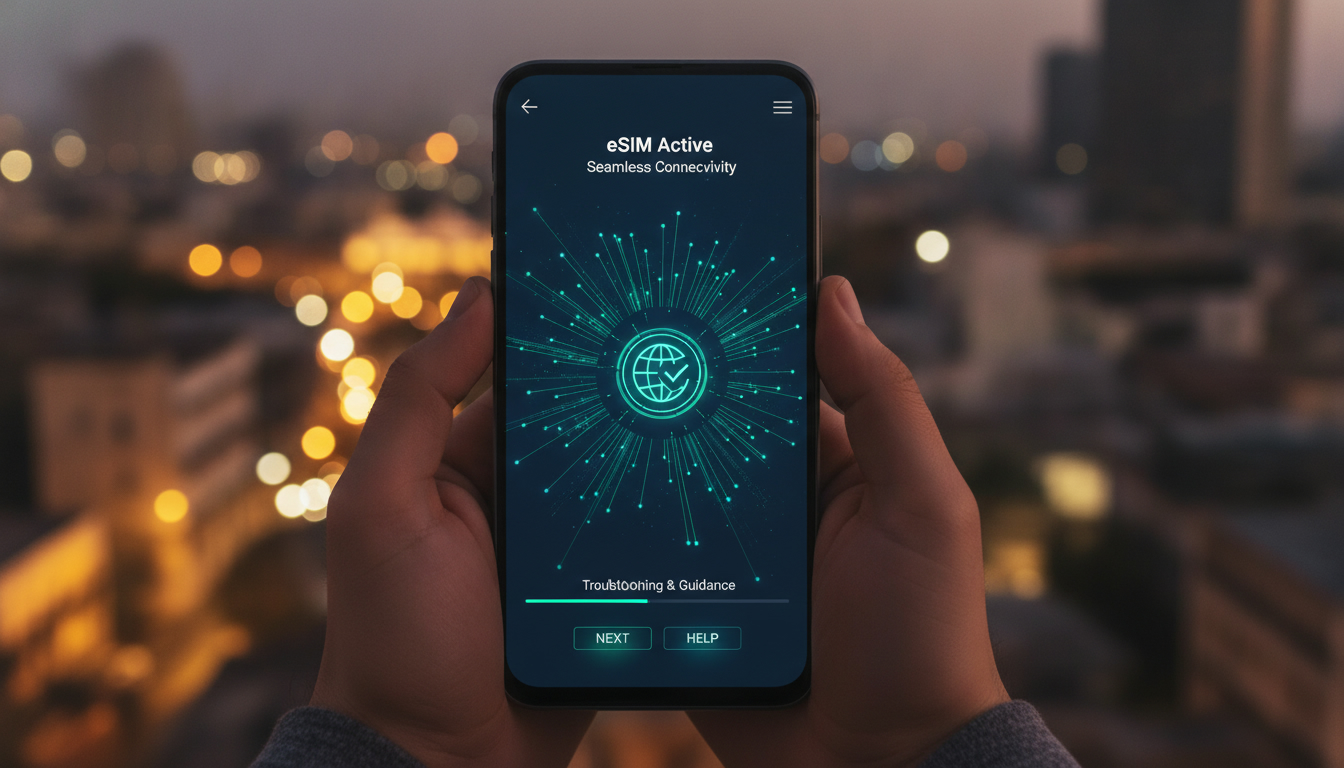
Troubleshooting Common Issues When Activating Firsty eSIMs in India
Activating a Firsty eSIM in India can unlock seamless mobile internet access across 170 countries without the hassle of physical SIM cards or contracts. However, activation hiccups are common and can disrupt your connectivity plans.
Knowing what typically goes wrong and how to fix it is essential to get online quickly and reliably. I always start by identifying the exact step where activation stalls, because the root causes vary from device settings to network compatibility.
Why Firsty eSIM Activation Fails and How to Fix It
Device Compatibility and Software Requirements
One frequent snag occurs when the device does not support eSIM technology or lacks the latest software updates. For instance, many Android phones require at least Android 10 with eSIM support enabled, while iPhones need iOS 12.1 or later.
If your phone’s firmware is outdated, the eSIM profile download will fail silently or throw an error.
The mechanism is straightforward: the phone’s operating system must recognize and manage multiple SIM profiles securely. Without this, the QR code scan or manual profile installation won’t trigger properly, leaving you disconnected.
Consequence: Activation stalls at the profile download stage, often showing “Profile installation failed” or no response after scanning.
Fix: Update your phone’s OS to the latest version before attempting activation. On iPhones, check under Settings > General > Software Update; on Android, look for system updates in Settings > About Phone.
Network Lock and Carrier Restrictions
Another common issue is a network lock or carrier restriction on your device. Some phones bought through carriers in India or abroad are locked to a specific network and block eSIM activation from other providers like Firsty.
The mechanism here is that locked devices prevent adding new SIM profiles that are not authorized by the carrier’s network ID. This security measure stops unauthorized network access but also blocks legitimate eSIM activations.
Consequence: The phone rejects the Firsty eSIM profile during installation or refuses to switch to it after activation.
Fix: Verify if your phone is carrier-locked by inserting a different physical SIM card and checking if it works. If locked, request an unlock code from your carrier or use an unlocked device for Firsty activation.
QR Code Scanning Errors and Profile Download Failures
The core of Firsty’s activation process is scanning a QR code that downloads your eSIM profile over the internet. Problems arise if the QR code is damaged, expired, or scanned incorrectly.
The mechanism involves your phone reading encoded data that tells it how to connect to Firsty’s network remotely via GSMA specification SGP.22 for remote SIM provisioning. Any distortion in this data breaks the chain.
Consequence: The phone either fails to recognize the QR code or downloads a corrupted profile that won’t activate.
Fix: Always scan the QR code directly from a digital source (email or app) rather than a printed copy that might degrade quality. If scanning fails repeatedly, request a new QR code from Firsty’s support channels.
Steps to Successfully Activate Your Firsty eSIM in India
- Check Device Compatibility: Confirm your phone supports eSIM technology with updated OS versions.
- Ensure Network Unlock Status: Use an unlocked device or unlock your carrier-locked phone.
- Obtain Your Firsty QR Code: Get it from the official Firsty app or email after purchase.
- Scan QR Code Correctly: Use your phone’s camera app or built-in eSIM setup tool.
- Download and Install Profile: Follow on-screen prompts; do not interrupt internet connection during this step.
- Select Firsty as Active Line: In Settings > Cellular/Mobile Data, choose the Firsty profile as your primary data plan.
- Restart Your Device: This helps finalize network registration and refreshes connectivity.
- Test Internet Access: Open a browser or app to confirm you’re online.
A common mistake I see is skipping step 6—users install the profile but forget to activate it as their cellular plan, resulting in no data despite successful installation.
Handling Activation Errors Specific to India’s Network Environment
Local Network Settings and APN Configuration
India’s diverse mobile infrastructure means some devices require manual APN (Access Point Name) settings for data connectivity after installing an eSIM like Firsty’s. While many phones auto-configure APNs based on GSMA guidelines, others do not.
The mechanism: APNs define how your device connects to mobile data networks; incorrect settings block internet access even if the eSIM activates successfully.
Consequence: You see “No Internet” despite active cellular signal bars.
Fix: Manually enter APN details provided by Firsty in Settings > Cellular > Cellular Data Network on iPhone or Mobile Networks > Access Point Names on Android.
Roaming Permissions and Data Restrictions
Firsty offers global mobile data without roaming fees, but some phones have roaming disabled by default for cost control. If roaming is off, your phone won’t connect even with an active Firsty eSIM profile.
The mechanism: Roaming settings control whether your device can use networks outside its home country; disabling it blocks international data connections.
Consequence: No data connection despite correct profile installation; error messages like “Data roaming off” appear.
Fix: Enable data roaming in Settings > Cellular > Cellular Data Options on iPhone or Mobile Networks > Data Roaming on Android before activating Firsty eSIM services in India.
What Makes The Firsty Experience Unique and How It Affects Activation
Firsty combines a free eSIM with a global mobile network accessible through one app, offering internet access in 170 countries without physical SIM cards or contracts. This seamless approach relies heavily on remote provisioning standards like GSMA SGP.22, which governs secure over-the-air SIM profile downloads.
Because of this reliance:
- Activation requires stable initial internet access (Wi-Fi preferred) to download profiles.
- The quality of QR codes distributed through their app impacts success rates.
- Their network uses dynamic APN configurations depending on location, which may require manual tweaks on some devices.
I’d advise against attempting activation without Wi-Fi because cellular networks might block initial provisioning packets needed for profile download due to local restrictions or firewall rules.
For travelers wanting reliable connectivity in India with minimal fuss, understanding these technical nuances behind the firsty brand saves hours of frustration and ensures you enjoy uninterrupted service once activated properly.
Troubleshooting Tools and Support Resources for Firsty Users
Using Diagnostic Features Within The App
Firsty's official app includes diagnostic tools that check device compatibility, signal strength, and profile status before activation attempts. These tools help pinpoint whether issues stem from hardware limitations or network problems.
For example:
- A compatibility checker verifies OS version and hardware support.
- Signal meters assess if you have sufficient coverage for provisioning.
- Profile status indicators show if installation succeeded or failed at any step.
Using these tools early prevents wasted time trying fixes unrelated to your actual problem.
Contacting Expert Support and Knowledge Center
If troubleshooting steps fail, consult Firsty's Knowledge Center, which offers expert guides on international calling, eSIM setup tips, and cost-saving strategies tailored for global travelers like you.
Additionally, reaching out directly via their support channels ensures you get personalized help with QR code reissues or account-specific issues affecting activation.
Avoiding Common Pitfalls When Purchasing a Firsty Product in India
When buying a firsty item such as an eSIM plan for India:
- Always verify that your device supports dual SIM functionality if you intend to keep your primary number active alongside Firsty's service.
- Beware of expired offers; some firsty purchases come with time-limited QR codes requiring immediate activation.
- Check if your phone's region settings align with Indian network requirements; mismatches can cause provisioning errors.
- Use official channels only—downloading apps from Google Play Store ensures you get authentic software without malware risks.
For travelers who want detailed guidance on buying an India prepaid eSIM compatible with local networks like Jio and Airtel, I recommend reading this comprehensive guide on India prepaid eSIM options.
Activation issues with firsty products often boil down to device readiness and correct procedural steps rather than faults in the service itself. By carefully following these troubleshooting tips—updating software, confirming unlock status, scanning quality QR codes, enabling roaming—and leveraging built-in diagnostics plus expert resources, you can overcome most obstacles quickly and enjoy hassle-free connectivity throughout India and beyond.
For those comparing options beyond firsty’s offer, MyBestSim remains my go-to reference for verified promo codes and competitive plans tailored for Indian travelers seeking affordable global data coverage.
FAQ
What causes Firsty eSIM activation to fail?
Activation often fails due to device incompatibility, outdated software, or carrier locks. Ensuring your phone supports eSIM technology and is updated to the latest OS version can prevent most issues.
How do I check if my phone is carrier locked?
Insert a different physical SIM card into your phone. If it doesn’t work or shows an error, your device is likely carrier-locked. You’ll need to request an unlock code from your carrier or use an unlocked device.
Why does scanning the Firsty QR code sometimes fail?
Scanning fails if the QR code is damaged, expired, or scanned incorrectly. Always use the digital QR code from the official app or email to avoid quality loss and request a new code if problems persist.
What settings should I adjust for internet access after activation?
You may need to manually configure APN settings provided by Firsty and enable data roaming in your phone’s cellular settings to ensure proper internet connectivity in India.
How can Firsty’s app help troubleshoot activation issues?
The Firsty app includes diagnostic tools that check device compatibility, signal strength, and profile status. Using these tools helps identify the exact cause of activation problems before trying fixes.

Anjali Rao
Anjali is a travel and technology writer who has criss-crossed India by train, plane and rickshaw. At India eSIM she tests travel data plans on Jio, Airtel and Vi and explains how visitors can stay online affordably from Delhi to the backwaters of Kerala.