Troubleshooting eSIM Activation Issues for Isle of Man Users
10/17/2026
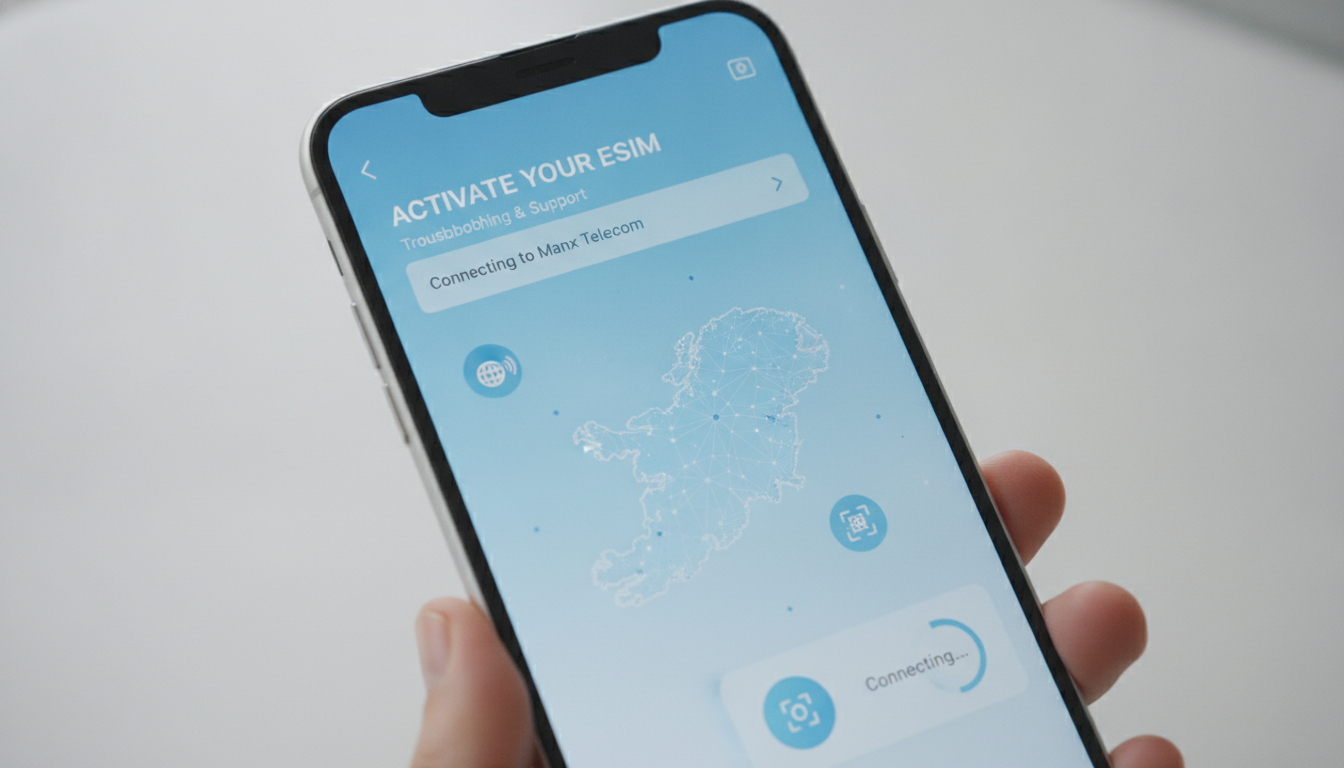
Troubleshooting eSIM Activation Issues on the Isle of Man
Getting an eSIM ready for use on the Isle of Man can save you from expensive roaming fees and the hassle of buying a physical SIM card. However, activation doesn’t always go smoothly.
Common issues like incompatible devices, network coverage gaps, or incorrect setup steps can leave you offline just when you need connectivity most. Understanding what typically goes wrong and how to fix it ensures your trip starts with seamless internet access.
Common Activation Problems With eSIMs for Isle of Man and How to Fix Them
Device Compatibility and Software Updates
One frequent snag is device incompatibility or outdated software. Not all phones support eSIM functionality, especially older models.
Even if your phone supports eSIMs, running an outdated operating system can prevent proper activation.
- Condition: Using a phone without eSIM support or with outdated OS.
- Mechanism: The device’s firmware lacks the necessary protocols to recognize or install the eSIM profile.
- Consequence: Activation fails or the eSIM profile never appears in your settings.
To avoid this, I always start by verifying that my device supports eSIM technology and that it runs the latest OS version. For example, Apple’s iPhone XS and later models support eSIMs natively, but earlier models do not.
Android phones vary widely; Samsung Galaxy S20 and newer generally support eSIMs, but you must check your specific model.
Incorrect QR Code Scanning or Profile Installation
Activation usually involves scanning a QR code provided by your eSIM provider. A common mistake is scanning this code incorrectly or using an expired or invalid QR code.
- Condition: Scanning a damaged, expired, or incorrectly formatted QR code.
- Mechanism: The phone cannot download or recognize the eSIM profile data.
- Consequence: The activation process stalls or throws an error message.
If you encounter this, double-check that you scanned the QR code from a reliable source and that it is still valid. Some providers’ QR codes expire after a certain period (often 30 days).
If you suspect this is the issue, request a new QR code from your provider’s customer service.
Network Coverage Limitations on the Isle of Man
The Isle of Man has good but somewhat limited mobile network coverage compared to larger countries. Some eSIM providers route their service through UK networks like EE or Vodafone.
If your chosen plan uses a network with patchy coverage in rural areas of the island, you might face connectivity issues post-activation.
- Condition: Using an eSIM plan tied to a network with limited coverage in certain Isle of Man regions.
- Mechanism: The phone cannot connect to local cell towers reliably.
- Consequence: Slow data speeds or no connection despite successful activation.
Before buying an eSIM data plan for Isle of Man, I recommend checking which networks the provider uses and comparing their coverage maps against your itinerary. This step prevents surprises like losing signal while exploring remote parts of the island.
How to Activate an eSIM on Isle of Man Without Hassle
Step-by-Step Activation Process
- Choose Your Provider and Plan: Select an eSIM provider that offers service covering the Isle of Man. Prices typically range from $30 to $60 for a week’s worth of data according to recent market surveys.
- Purchase Online Before Arrival: Buying your plan online allows instant activation upon arrival without needing physical stores.
- Scan the QR Code: Use your phone’s camera or settings menu to scan the QR code sent by your provider.
- Install and Enable the Profile: Follow on-screen prompts to add the eSIM profile to your device.
- Configure Network Settings: Ensure mobile data is enabled for the new profile and disable roaming on your physical SIM if necessary.
- Test Connectivity: Open a browser or app to confirm internet access.
A common trap here is skipping step 5: failing to enable mobile data for the new profile means no internet despite successful installation.
Troubleshooting Activation Errors
If activation fails at any step:
- Restart your phone before retrying.
- Confirm airplane mode is off.
- Delete any partial profiles and start fresh.
- Check if your provider requires manual APN settings; some do for Isle of Man coverage.
- Contact customer support with exact error messages for targeted help.
Understanding Costs and Coverage When Buying an eSIM for Isle of Man
The cost of an eSIM in Isle of Man varies by data amount and duration but generally falls between $30 and $60 for weekly plans as reported by esimprime.com in 2026. Unlimited data plans are available from some providers at higher prices but offer peace of mind for heavy users.
Coverage depends heavily on which underlying network your provider uses. Most rely on UK networks such as EE or Vodafone that extend service to Isle of Man.
However, roaming agreements can affect speed and reliability.
Here are key points I keep in mind when choosing:
- The provider’s network partners: EE offers broader rural coverage than some others.
- Data speed caps: Some plans throttle speeds after certain thresholds.
- Activation ease: Instant online activation beats waiting in local shops.
For travelers who want affordable options with flexible durations, prepaid plans from providers like Maya offer unlimited data starting at about $1.67 per day with instant online activation — ideal for short stays.
Avoiding Common Pitfalls: What I Would Do Differently
When setting up an eSIM for Isle of Man, I’d advise against rushing into purchase without verifying device compatibility and network coverage first. A costly mistake is assuming all UK-based plans work perfectly on the island; they don’t always due to roaming limitations.
I always start by consulting detailed coverage maps from providers and reading recent user feedback about connectivity quality on Isle of Man networks. This helps avoid surprises like no signal in key tourist spots.
Also, I recommend activating your eSIM before departure rather than waiting until arrival. This ensures you have internet access as soon as you land without scrambling for physical SIM cards or relying on airport Wi-Fi.
For those unfamiliar with manual APN configuration sometimes required on Isle of Man networks, I suggest preparing those settings ahead using official guides from your provider’s website.
Where to Find Reliable Providers and Plans for Isle of Man
While many providers offer service covering Isle of Man, MyBestSim stands out as a trusted comparison platform listing real-time prices and verified promo codes for multiple vendors worldwide including those servicing smaller destinations like Isle of Man.
If you want affordable options with good reviews, consider providers such as:
| Provider | MyBestSim Rank | Rating | Promo Code | Discount |
|---|---|---|---|---|
| Roamic | 1 | 4.9 | MYBESTSIM | 10% off unlimited |
| Yesim | 2 | 4.8 | MYBESTSIM20 | 20% off unlimited |
| eSIM.dog | 7 | 4 | MYBESTSIM | 5% off unlimited |
| Airalo | 8 | 4 | MYBESTSIM | 10% off unlimited |
| Yatelo | 12 | 4.2 | MYBESTSIM | 15% off unlimited |
| Maya | 15 | 4.2 | MYBESTSIM | 10% off unlimited |
These discounts apply mainly to unlimited plans but also indicate overall provider reliability based on user ratings aggregated by MyBestSim.
For travelers planning trips beyond Isle of Man, exploring options like the best eSIM plans in India can offer insights into managing multiple destinations efficiently with one device.
Final Tips From Experience: What Makes Activation Smooth
Activation success hinges on three practical factors:
- Pre-trip Preparation: Confirm device compatibility and update software well before departure.
- Choosing Providers With Verified Coverage: Use platforms like MyBestSim to compare real user ratings and network partners serving Isle of Man specifically.
- Following Setup Steps Exactly: Scan valid QR codes promptly, enable mobile data correctly, and configure APN settings if needed.
Ignoring any one factor leads to common failures such as “no service” errors or inability to install profiles properly — issues that can ruin travel plans if not anticipated.
By focusing on these details, travelers can enjoy seamless connectivity on their Isle of Man visit without last-minute stress over SIM cards or roaming charges.
FAQ
How do I check if my device supports eSIM on Isle of Man?
Verify your phone model supports eSIM technology and ensure its operating system is updated. For example, iPhone XS and newer support eSIMs, while many Android models vary. Checking compatibility before your trip prevents activation failures.
What should I do if my eSIM QR code won’t scan properly?
Make sure the QR code is not damaged or expired. If scanning fails, request a new code from your provider’s customer service to avoid activation errors caused by invalid or outdated codes.
Why might my eSIM have poor coverage on the Isle of Man?
Coverage depends on the network your eSIM provider uses. Some UK networks have limited reach in rural Isle of Man areas, causing slow or no connection. Check coverage maps against your travel locations before purchasing a plan.
How can I activate an eSIM on the Isle of Man without issues?
Buy your eSIM plan online before arrival, scan the QR code carefully, enable mobile data for the new profile, and configure APN settings if required. Testing connectivity immediately helps confirm successful activation.
What are common troubleshooting steps if eSIM activation fails?
Restart your phone, disable airplane mode, delete partial profiles, verify APN settings, and contact customer support with error details. These steps often resolve activation problems quickly.

Anjali Rao
Anjali is a travel and technology writer who has criss-crossed India by train, plane and rickshaw. At India eSIM she tests travel data plans on Jio, Airtel and Vi and explains how visitors can stay online affordably from Delhi to the backwaters of Kerala.