Troubleshooting the Best eSIM for Libya Activation Issues in 2026
9/14/2026
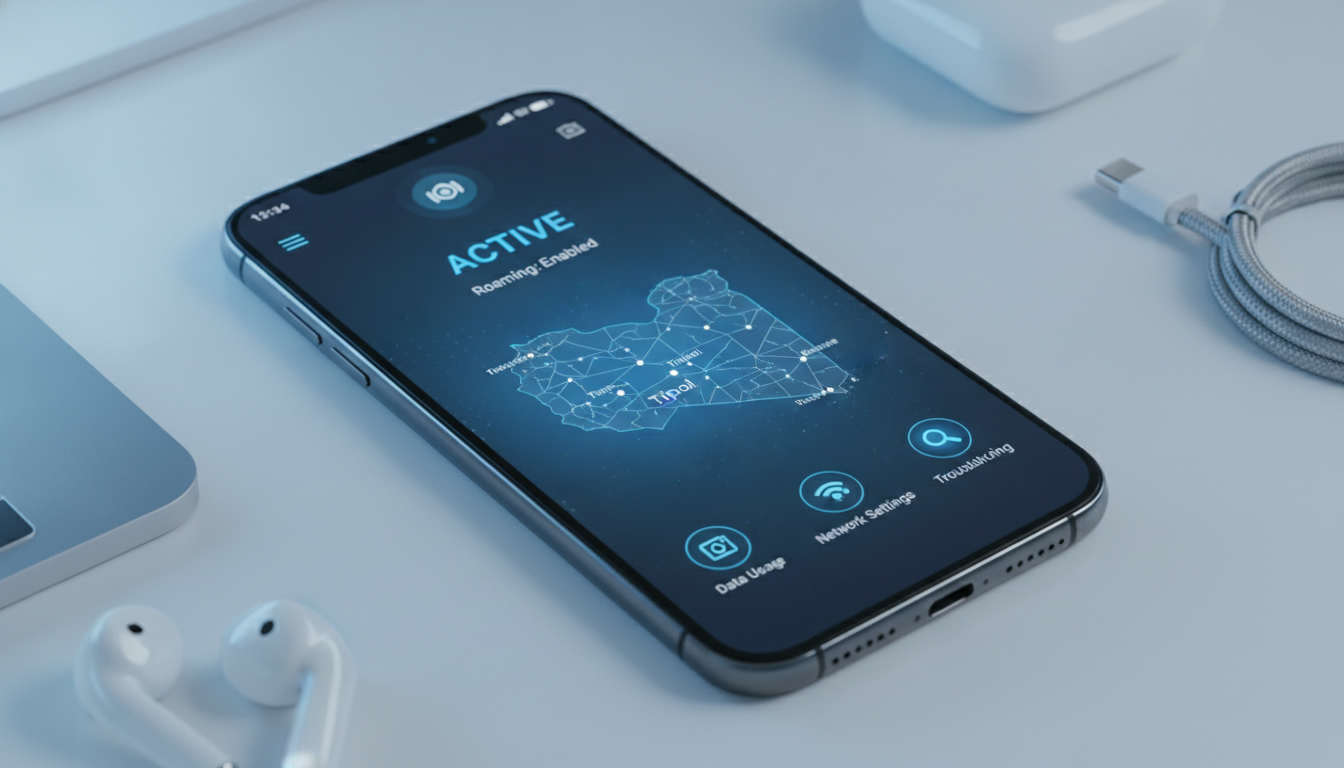
Troubleshooting Activation Issues With the Best eSIM for Libya
Getting your eSIM activated smoothly before or upon arrival in Libya can be tricky due to limited provider options and varying network conditions. The key to seamless connectivity lies in understanding common activation pitfalls and how to resolve them quickly.
I always start by verifying the compatibility of your device and the eSIM provider’s coverage in Libya, because a mismatch here is the most frequent cause of activation failure.
Common Activation Problems and How to Fix Them
Device Compatibility and Network Lock Issues
If your phone is locked to a carrier or lacks eSIM support, activation will fail outright. The condition here is using a device without proper eSIM functionality or with carrier restrictions -> the mechanism is that the phone cannot recognize or install the eSIM profile -> the consequence is no internet access or error messages during activation.
To avoid this, check that your device supports eSIM technology and is unlocked. For example, most recent iPhone models (iPhone XS and later) and many Android phones like Google Pixel 4+ support eSIM natively.
Also, ensure your phone’s operating system is updated to the latest version, as outdated software can block eSIM installation.
Poor or Unstable Internet Connection During Activation
Activation requires a stable internet connection because the eSIM profile downloads remotely via QR code or app. If you attempt activation in an area with weak Wi-Fi or cellular data, the download may stall or corrupt.
The condition: weak or intermittent internet -> mechanism: incomplete profile download -> consequence: activation errors or partial connectivity.
I’d advise against trying to activate your Libya eSIM while connected only to spotty hotel Wi-Fi. Instead, use a reliable Wi-Fi hotspot or activate before departure where you have stable internet.
Some providers like Vodafone Travel offer online activation that you can complete anywhere with good internet.
Incorrect QR Code Scanning or Manual Entry Errors
Many users struggle with scanning QR codes properly or entering activation codes manually. The condition is poor scanning angle, glare on the screen, or mistyping codes -> mechanism: failure to retrieve the correct eSIM profile -> consequence: error messages like “Invalid QR code” or “Activation failed.”
To fix this, ensure good lighting and steady hands when scanning. If manual entry is required, double-check every character carefully.
I always recommend downloading the provider’s official app if available; it often simplifies activation by automating code retrieval.
Choosing Providers That Minimize Activation Headaches
The best eSIM providers for Libya currently include GoMoWorld and Nomad, but options remain limited compared to other countries. This scarcity means some providers may have less reliable coverage or slower customer support, which can complicate troubleshooting.
What Makes an eSIM Provider Reliable for Libya?
- Coverage Quality: Providers that partner with Libyan mobile carriers offering 3G/4G LTE across major cities reduce dead zones.
- Activation Simplicity: Providers with clear step-by-step guides and apps reduce user errors.
- Customer Support: Access to responsive support teams helps resolve issues quickly.
- Data Plan Flexibility: Options ranging from short-term tourist plans to longer prepaid packages fit different trip lengths.
Because of these factors, I usually recommend checking detailed reviews on MyBestSim, which ranks providers based on real user feedback and network performance in Libya.
The Cheapest vs. Fastest Plans
While affordability matters, very cheap plans sometimes come with throttled speeds or limited coverage areas. Conversely, premium plans often guarantee faster LTE access but at a higher price point.
Balancing cost and speed depends on your itinerary: if you plan to stay mostly in Tripoli or Benghazi where coverage is better, a budget plan might suffice. For travel across rural areas, investing in a faster network plan reduces frustration from dropped connections.
Step-by-Step Guide to Activating Your Libya eSIM Without Hassle
- Confirm Device Compatibility: Verify your phone supports eSIM and is unlocked.
- Choose a Provider With Verified Libya Coverage: Use MyBestSim’s comparison tool for up-to-date options.
- Purchase Your Plan Online Before Departure: This avoids local SIM card hassles.
- Download Provider App or Save QR Code: Keep it ready before arrival.
- Activate Using Stable Wi-Fi: Scan QR code or enter details carefully.
- Restart Your Phone After Activation: This ensures network settings refresh properly.
- Test Data Connectivity Immediately: Open a browser or app requiring internet.
- Contact Support If Problems Persist: Use live chat or email from provider’s website.
This sequence helps catch common mistakes early—like trying activation without internet access or skipping device checks—that cause most failures.
Troubleshooting Specific Activation Errors
“Profile Download Failed” Message
This usually occurs when your phone cannot reach the provider’s server due to network restrictions or firewall issues on public Wi-Fi networks.
Fix: Switch to a different Wi-Fi network or use mobile data temporarily during activation if possible.
“No Service” After Activation
If you see no signal despite successful installation:
- Check if airplane mode is off.
- Verify APN (Access Point Name) settings match those recommended by your provider.
- Confirm roaming is enabled if you’re using a foreign carrier’s network inside Libya.
I warn against assuming “no service” means faulty SIM; often it’s a simple setting overlooked during setup.
Why Prepaid Plans Are Often Best for Tourists Visiting Libya
Prepaid eSIM options let you control costs without contracts or surprise roaming fees. You pay upfront for data valid over fixed periods—usually 5GB to 20GB lasting 7 to 30 days depending on provider offers.
This model suits travelers who want predictable expenses and flexibility to top up if needed. However, some prepaid plans have strict data caps that throttle speeds after limits are reached—something to watch out for when choosing “the best prepaid eSIM options in Libya.”
Avoiding Common Pitfalls With Libyan Mobile Carriers’ eSIMs
Local carriers may offer their own eSIMs but activating them often requires visiting physical stores and dealing with paperwork—something many travelers want to avoid.
Moreover, carrier-specific profiles might not support international roaming well, limiting connectivity outside urban centers. For this reason, I usually advise tourists toward international providers specializing in global travel data plans rather than local Libyan mobile carriers’ offerings.
How To Use an eSIM in Libya Without Losing Connectivity
Once activated, keep these tips in mind:
- Monitor your data usage regularly through your provider’s app.
- Restart your phone if you notice slow speeds; network handoffs can get stuck otherwise.
- Disable automatic updates over cellular data to conserve bandwidth.
- If switching between Wi-Fi and cellular frequently, toggle airplane mode briefly to reset connections.
These gestures come from working with travelers who often lose connectivity due to overlooked settings rather than technical faults.
Internal Resources for Setting Up International Travel eSIMs
For readers planning trips beyond Libya who want reliable connectivity across multiple countries including India, I recommend checking out detailed guides on how international eSIMs work and how to activate them smoothly:
These resources explain activation steps that apply broadly and help avoid common mistakes no matter where you travel next.
By anticipating these activation challenges and knowing how to address them upfront, you can secure uninterrupted internet access throughout your stay in Libya without scrambling last minute for local SIM cards or expensive roaming fees.
FAQ
How do I check if my phone supports eSIM in Libya?
Verify your device supports eSIM technology and is unlocked. Most iPhone models from XS onward and many Android phones like Google Pixel 4+ have native eSIM support. Also, ensure your phone’s software is updated to avoid activation issues.
What should I do if my eSIM activation shows 'Profile Download Failed'?
This error often occurs due to network restrictions or unstable Wi-Fi. Try switching to a different Wi-Fi network or use mobile data during activation to ensure the eSIM profile downloads correctly.
Which eSIM providers offer the best coverage in Libya?
GoMoWorld and Nomad are currently the top eSIM providers for Libya, offering reliable 3G/4G LTE coverage in major cities. Check detailed reviews on MyBestSim for up-to-date provider performance and user feedback.
How can I avoid errors when scanning the eSIM QR code?
Ensure good lighting and hold your phone steady while scanning the QR code. If entering codes manually, double-check each character carefully. Using the provider’s official app can simplify activation by automating code retrieval.
Why are prepaid eSIM plans recommended for tourists in Libya?
Prepaid plans offer cost control without contracts or roaming surprises. They provide fixed data amounts valid for set periods, making them ideal for travelers who want predictable expenses and flexibility to top up as needed.

Anjali Rao
Anjali is a travel and technology writer who has criss-crossed India by train, plane and rickshaw. At India eSIM she tests travel data plans on Jio, Airtel and Vi and explains how visitors can stay online affordably from Delhi to the backwaters of Kerala.