How to Fix Bcengi Reviews Complaints and Activation Issues
9/18/2026
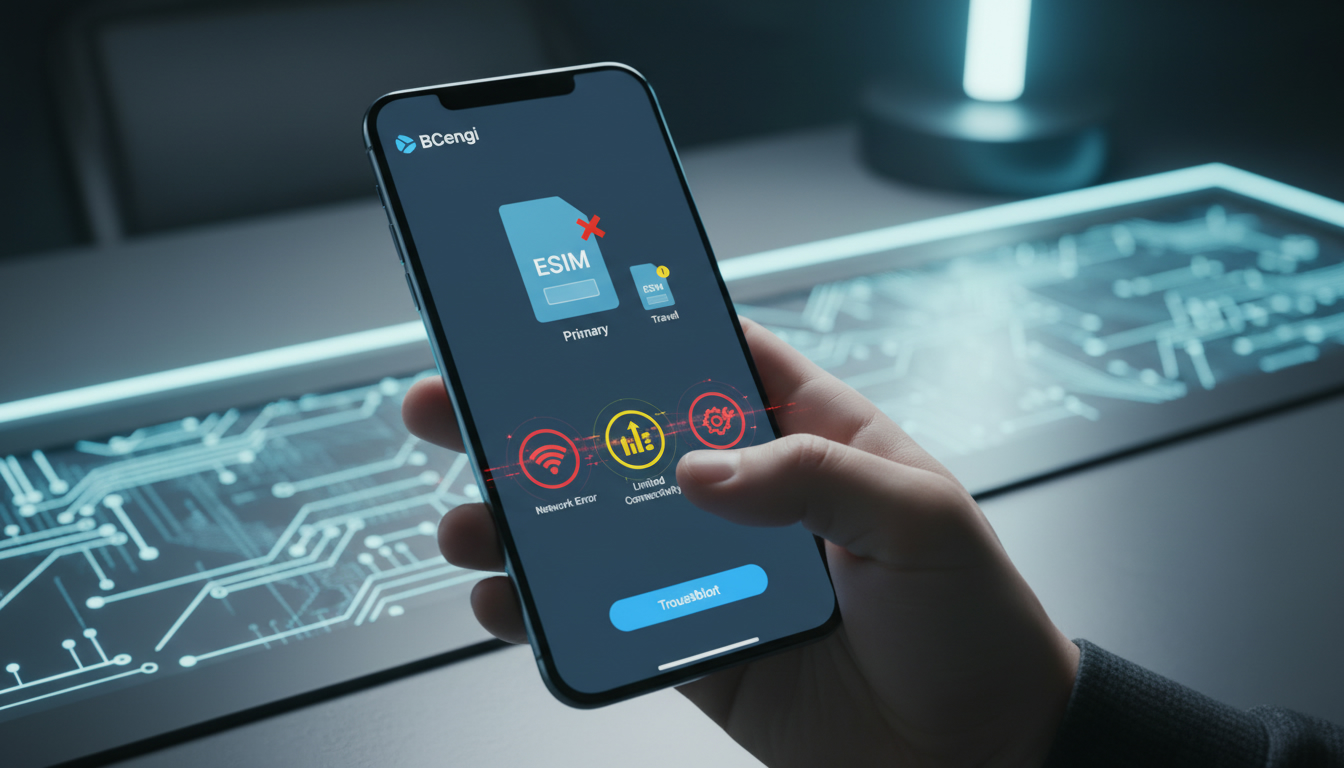
Troubleshooting BCengi eSIM Activation Issues: What to Do When Things Go Wrong
Activating a BCengi eSIM can sometimes hit snags that leave users frustrated and unsure how to proceed. From activation failures to connectivity problems, these issues often stem from specific technical or procedural causes.
I always start by identifying the exact point where the activation stalls because understanding the mechanism behind each problem is key to resolving it effectively. Here’s a detailed guide on common BCengi activation complaints and practical solutions to get you online smoothly.
Common Activation Problems and Their Causes
Many BCengi user reviews mention issues that fall into a few recurring categories. The root causes often relate to device compatibility, app errors, or network configuration mistakes.
Device Compatibility and Profile Installation Failures
BCengi supports eSIM activation on devices compliant with GSMA specification SGP.22, which governs remote SIM provisioning. However, not all phones or operating system versions fully support this standard yet.
- Condition: Using an unsupported or outdated device OS.
- Mechanism: The device cannot properly read or install the eSIM profile.
- Consequence: Activation fails with error messages or the profile never appears in your settings.
If your phone’s OS version is below iOS 14 or Android 10, the BCengi app may not function correctly. I’d advise against attempting activation on unsupported devices because it leads to wasted time and frustration.
App Glitches and Network Timeouts
The BCengi platform relies on a stable internet connection during activation. Interruptions or slow networks can cause incomplete downloads of the eSIM profile.
- Condition: Weak Wi-Fi or mobile data signal during activation.
- Mechanism: The app times out while fetching the profile from BCengi servers.
- Consequence: Activation stalls or shows “profile download failed.”
To avoid this, ensure you have a strong internet connection before starting activation. I always recommend switching to a reliable Wi-Fi network rather than mobile data for initial setup.
Incorrect QR Code Scanning or Profile Selection
BCengi uses QR codes for eSIM provisioning, but scanning errors are common.
- Condition: Poor lighting, damaged QR code, or incorrect code scanned.
- Mechanism: The app cannot decode the QR code properly.
- Consequence: Activation does not proceed, or the wrong profile is installed.
Make sure your camera lens is clean and scan the QR code in good lighting. If you receive multiple QR codes (for different countries or plans), double-check you’re using the correct one for your intended destination.
How to Resolve BCengi Customer Complaints Effectively
When users report issues on platforms like Trustpilot or Reddit, many problems can be traced back to user error combined with insufficient troubleshooting steps. Here’s how to tackle them step-by-step:
Step 1: Verify Device Compatibility and Update Software
Before anything else, check if your device supports eSIMs according to GSMA SGP.22 guidelines. Then update your phone’s operating system to the latest version available.
- For iPhones: iOS 14 or newer is required.
- For Android phones: Version 10+ with eSIM support.
If your device doesn’t meet these criteria, no amount of troubleshooting will fix activation failures.
Step 2: Use a Stable Internet Connection During Activation
Activation requires downloading carrier profiles securely from BCengi servers. A weak connection leads to incomplete downloads and errors.
- Connect to a strong Wi-Fi network.
- Avoid switching networks during installation.
- Disable VPNs that might interfere with server communication.
I always start my activations in a controlled environment with reliable Wi-Fi for this reason.
Step 3: Follow Correct QR Code Scanning Procedures
When scanning your BCengi QR code:
- Hold your phone steady about 6 inches from the code.
- Ensure even lighting without glare.
- Use the official BCengi app scanner if available rather than generic camera apps.
If scanning fails repeatedly, request a new QR code from BCengi support rather than forcing it.
Step 4: Reset Network Settings if Activation Stalls
Sometimes leftover configurations block new profiles from installing properly.
- On iPhone: Go to Settings > General > Reset > Reset Network Settings.
- On Android: Settings > System > Reset options > Reset Wi-Fi, mobile & Bluetooth.
This clears any conflicting data that might prevent successful eSIM activation.
How BCengi Handles Complaint Resolution and Support Quality
BCengi customer complaints often highlight their support responsiveness as a key factor in resolving issues quickly. According to user feedback on Trustpilot:
- Support agents like Clarice and Aliaksandra receive praise for patient guidance.
- Many reported problems were due to user errors rather than platform faults.
- The company offers live chat and email support channels for troubleshooting help.
This level of service is crucial because eSIM technology can be unfamiliar territory for many travelers who expect quick fixes when things go wrong. The BCengi team’s approach aligns with best practices in tech support — diagnosing user environment conditions before escalating issues internally.
What You Should Know About Pricing and Service Structure
While troubleshooting activation problems, it’s useful to understand how BCengi’s pay-as-you-go model differs from other providers:
| Provider | MyBestSim Rank | Rating | Promo Code | Discount |
|---|---|---|---|---|
| LinkeSIM | 4 | 4.5 | MYBESTSIM | -5% unlimited |
| Airalo | 8 | 4 | MYBESTSIM | -10% unlimited |
| Yatelo | 12 | 4.2 | MYBESTSIM | -15% unlimited |
| JamboSim | 19 | 4 | MYBESTSIM | -15% unlimited |
| Bcengi | 21 | N/A | None | No current promo |
BCengi ranks lower compared to other top providers like LinkeSIM and Airalo but remains a reliable option with coverage across over 200 destinations including India’s major networks like Jio and Airtel. Unlike fixed data plans, BCengi lets you pay exactly for what you use without losing unused data between trips — a feature many users appreciate in their reviews.
Additional Tips From My Experience With eSIM Activations
- Avoid Switching SIM Modes Midway: Switching between physical SIM and eSIM modes during activation can confuse your device’s network manager, causing profile installation errors.
- Check Your Phone’s Carrier Settings Update: Sometimes carriers release updates that affect eSIM functionality; missing these updates can block activation.
- Be Patient With Profile Download Times: Depending on network speed and server load, downloading an eSIM profile can take several minutes—interrupting this process often leads to corruption requiring restart.
If you want detailed guidance on activating an eSIM in India specifically, I recommend reading my step-by-step tutorial on India eSIM activation, which covers common pitfalls travelers face there using providers like Jio and Airtel alongside BCengi’s service options.
Understanding BCengi User Experience Beyond Complaints
The bcengi user experience varies widely depending on individual tech savvy and device environment. While some users report flawless activations thanks to clear instructions and responsive support, others struggle mainly due to overlooked prerequisites like OS version or internet stability.
The bcengi review analysis across forums reveals that most complaints are resolved once users follow proper setup protocols — meaning many negative reviews stem from avoidable mistakes rather than systemic faults in the platform itself.
For travelers seeking flexible data plans without upfront commitments, BCengi’s pay-as-you-go approach offers an attractive alternative — provided you prepare carefully for activation by ensuring device readiness and network reliability beforehand.
For those weighing options among Indian eSIM providers, comparing offers on MyBestSim helps identify best prices and promo codes tailored for your travel duration and data needs. This way you avoid overpaying or facing unexpected connectivity gaps during your trip.
In my view, patience combined with methodical troubleshooting is what makes all the difference when activating BCengi services — rushing through steps or ignoring compatibility checks almost always leads to complaints that could have been avoided easily.
FAQ
What causes BCengi eSIM activation failures?
Activation failures often result from device incompatibility, outdated operating systems, or weak internet connections. Ensuring your device supports GSMA SGP.22 and updating to iOS 14 or Android 10+ can prevent most issues.
How can I fix QR code scanning problems with BCengi?
To avoid scanning errors, use good lighting, keep your camera steady about 6 inches from the QR code, and use the official BCengi app scanner. If problems persist, request a new QR code from BCengi support.
Why does BCengi activation stall during profile download?
Activation stalls usually happen due to unstable or weak Wi-Fi/mobile data connections causing timeouts. Use a strong, stable Wi-Fi network and avoid switching networks or using VPNs during activation to ensure smooth profile downloads.
What steps help resolve BCengi activation complaints effectively?
Start by verifying device compatibility and updating your OS. Use a reliable internet connection, scan the correct QR code carefully, and reset network settings if needed. Following these steps resolves most common activation issues.
How responsive is BCengi customer support for activation issues?
BCengi support is praised for patient and helpful assistance via live chat and email. Many user complaints are resolved quickly once support guides users through proper troubleshooting and confirms device readiness before escalation.

Anjali Rao
Anjali is a travel and technology writer who has criss-crossed India by train, plane and rickshaw. At India eSIM she tests travel data plans on Jio, Airtel and Vi and explains how visitors can stay online affordably from Delhi to the backwaters of Kerala.