How to Fix Alodata eSIM Activation Issues in India
10/16/2026
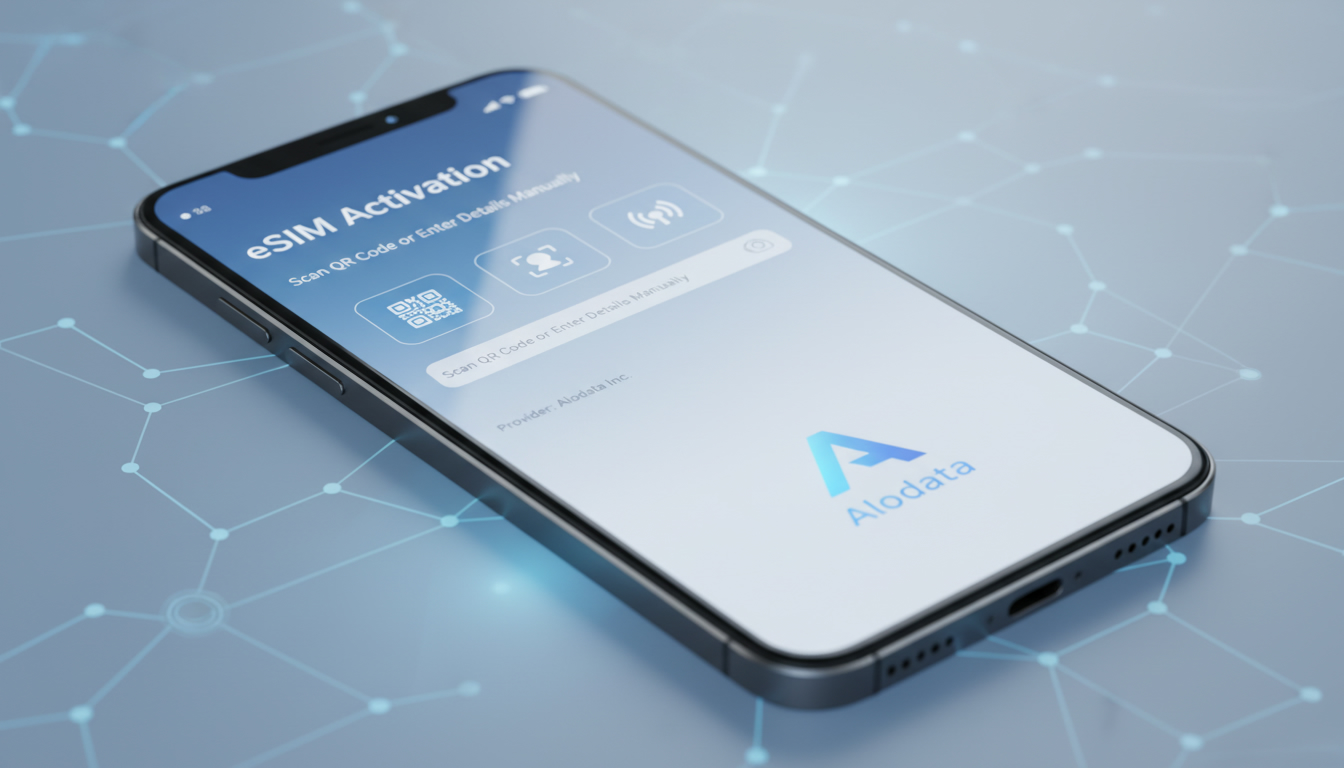
Troubleshooting Alodata eSIM Activation Issues in India
Activating an Alodata eSIM data plan in India can sometimes hit snags that leave travelers and digital nomads offline when they most need connectivity. Alodata offers a flexible international eSIM solution designed to keep you connected in over 150 countries, including India, but activation hiccups do happen.
Understanding the common causes behind these issues and how to resolve them can save you time and frustration.
Common Activation Problems with Alodata eSIM
Network Compatibility and Device Settings
One frequent cause of activation failure is device incompatibility or incorrect settings. Although Alodata supports a wide range of devices, including iPhones and Android smartphones that comply with GSMA’s Remote SIM Provisioning standard (SGP.22), some older or carrier-locked devices may not fully support eSIM profiles.
A key field observation: if your phone’s cellular settings still show a physical SIM as primary or if airplane mode is toggled on during activation, the eSIM profile installation will fail. The mechanism is that the device’s modem cannot switch to the virtual SIM without proper cellular network access, causing the activation process to stall or error out.
QR Code Scanning and Profile Download Errors
Alodata delivers eSIM profiles via QR codes scanned through their app or device settings. A common trap is scanning the QR code multiple times or from a screen with poor resolution, which can corrupt the profile data.
The consequence is an incomplete or invalid profile download that prevents network registration.
Another mechanism involves unstable internet during profile download. Since the profile file can be several megabytes, a weak Wi-Fi connection or intermittent data link can interrupt the transfer, leading to partial installation.
Account Verification and Payment Issues
Activation depends on successful account verification and payment confirmation within the Alodata platform. If your payment method is declined or your account isn’t verified, the system will block profile activation.
A typical mistake is attempting activation before completing all steps in the Alodata app, such as uploading identification documents when required for regulatory compliance in India. The platform enforces these steps strictly to comply with local telecom regulations.
How to Fix Activation Issues on Alodata
Step-by-Step Activation Best Practices
- Check Device Compatibility: Confirm your smartphone supports eSIM profiles under GSMA SGP.22 standards. For example, iPhone XS and newer models fully support eSIM activation globally.
- Use Stable Internet: Before scanning the QR code or downloading the profile, connect to a reliable Wi-Fi network to avoid interruptions.
- Scan QR Code Once: Use the Alodata app or your phone’s camera to scan the QR code just once from a high-resolution screen.
- Complete Account Setup: Ensure all verification steps are done in the Alodata app, including payment confirmation and document uploads if requested.
- Disable Physical SIM Temporarily: On some devices, disabling the physical SIM during activation helps avoid conflicts between SIM profiles.
- Restart Your Device: After profile installation, reboot your phone to allow proper network registration.
Troubleshooting Specific Error Messages
- “Profile Installation Failed”: This often means corrupted QR code data or interrupted download. Re-download the QR code from your Alodata dashboard and try again on a stable connection.
- “No Service” After Activation: Check if you’ve selected the correct network operator manually in your phone’s cellular settings; sometimes auto-selection fails in India’s multi-operator environment.
- “Payment Not Confirmed”: Verify your payment method details and retry payment within the app; some cards may require 3D Secure authentication.
Understanding The Alodata Platform for Smooth Activation
The Alodata platform integrates several tools designed to streamline eSIM management:
- The Alodata user interface offers an intuitive dashboard where you can buy, activate, and monitor data plans.
- Their cloud services handle secure profile provisioning compliant with GSMA standards.
- Integration tools allow syncing with third-party apps for seamless data management across devices.
Knowing these features helps troubleshoot because many activation issues stem from incomplete steps within this interface rather than technical faults on your device.
Alternatives and Additional Tips for Staying Connected in India
If you continue facing issues with Alodata activation, consider alternative providers known for reliable service in India. According to MyBestSim’s comparison of Indian eSIM providers:
| Provider | MyBestSim Rank | Rating | Promo Code | Discount |
|---|---|---|---|---|
| Roamic | 1 | 4.9 | MYBESTSIM | 10% off unlimited |
| Yesim | 2 | 4.8 | MYBESTSIM20 | 20% off unlimited |
| eSIM.dog | 7 | 4.0 | MYBESTSIM | 5% off unlimited |
| Airalo | 8 | 4.0 | MYBESTSIM | 10% off unlimited |
These providers offer competitive plans that might activate more smoothly depending on your device model and location within India.
I always start by comparing these options on sites like MyBestSim before committing because network compatibility varies widely across regions like Delhi versus Kerala backwaters.
For travelers specifically focused on unlimited data plans or longer stays, checking detailed reviews and promo codes can make a significant difference in cost-effectiveness and connectivity reliability.
Key Field Observations When Activating eSIMs Like Alodata
- When activating an international eSIM like Alodata’s in India, if you don’t disable your physical SIM temporarily, some phones prioritize it over the virtual SIM, causing network registration failures.
- The GSMA specification SGP.22 governs remote eSIM provisioning; devices not fully compliant with this standard often experience partial activations or no service after installation.
- In regions with multiple mobile operators like India (Jio, Airtel, Vi), manual selection of carrier networks post-installation is sometimes necessary because automatic network selection mechanisms can fail due to roaming agreements or coverage gaps.
Understanding these mechanisms helps avoid common pitfalls that cause activation delays or failures.
How to Access Support for Persistent Activation Problems
If troubleshooting steps don’t resolve your issue:
- Use the official Alodata website or their app for direct customer support.
- Check recent user reviews on platforms like Trustpilot for insights into current service status or known outages.
- Reach out via their official Instagram handle @alodata_official for updates on service disruptions or tips from their community.
Meanwhile, I’d advise against repeatedly reinstalling profiles without checking account status first—this often locks accounts temporarily due to security protocols.
For travelers planning extended trips in India who want hassle-free connectivity from day one, exploring other options like Jio or Airtel through verified platforms such as IndiaSim can be a safer bet when Alodata activation proves problematic.
By focusing on device compatibility checks, stable internet during profile download, completing all verification steps on the Alodata platform, and understanding local network conditions in India, you can overcome most activation challenges efficiently and stay connected wherever you go.
FAQ
What devices are compatible with Alodata eSIM activation?
Alodata eSIM supports devices compliant with GSMA SGP.22 standards, including iPhone XS and newer models. Older or carrier-locked phones may face activation issues due to incompatibility.
How can I avoid QR code scanning errors during activation?
Scan the QR code only once from a high-resolution screen using the Alodata app or your phone’s camera. Ensure you have a stable internet connection to prevent profile download interruptions.
Why does my Alodata eSIM show 'No Service' after activation?
This can happen if your phone fails to auto-select the correct network operator in India’s multi-operator environment. Manually choosing the carrier in cellular settings often resolves this issue.
What steps should I complete before activating my Alodata eSIM?
Complete all account verification steps in the Alodata app, including payment confirmation and uploading required identification documents to comply with local regulations.
Where can I get support if Alodata eSIM activation fails persistently?
Use the official Alodata website or app for customer support, check recent user reviews on Trustpilot, or contact their Instagram handle @alodata_official for updates and assistance.

Anjali Rao
Anjali is a travel and technology writer who has criss-crossed India by train, plane and rickshaw. At India eSIM she tests travel data plans on Jio, Airtel and Vi and explains how visitors can stay online affordably from Delhi to the backwaters of Kerala.