how to activate an eSIM for India in 2026
6/17/2026
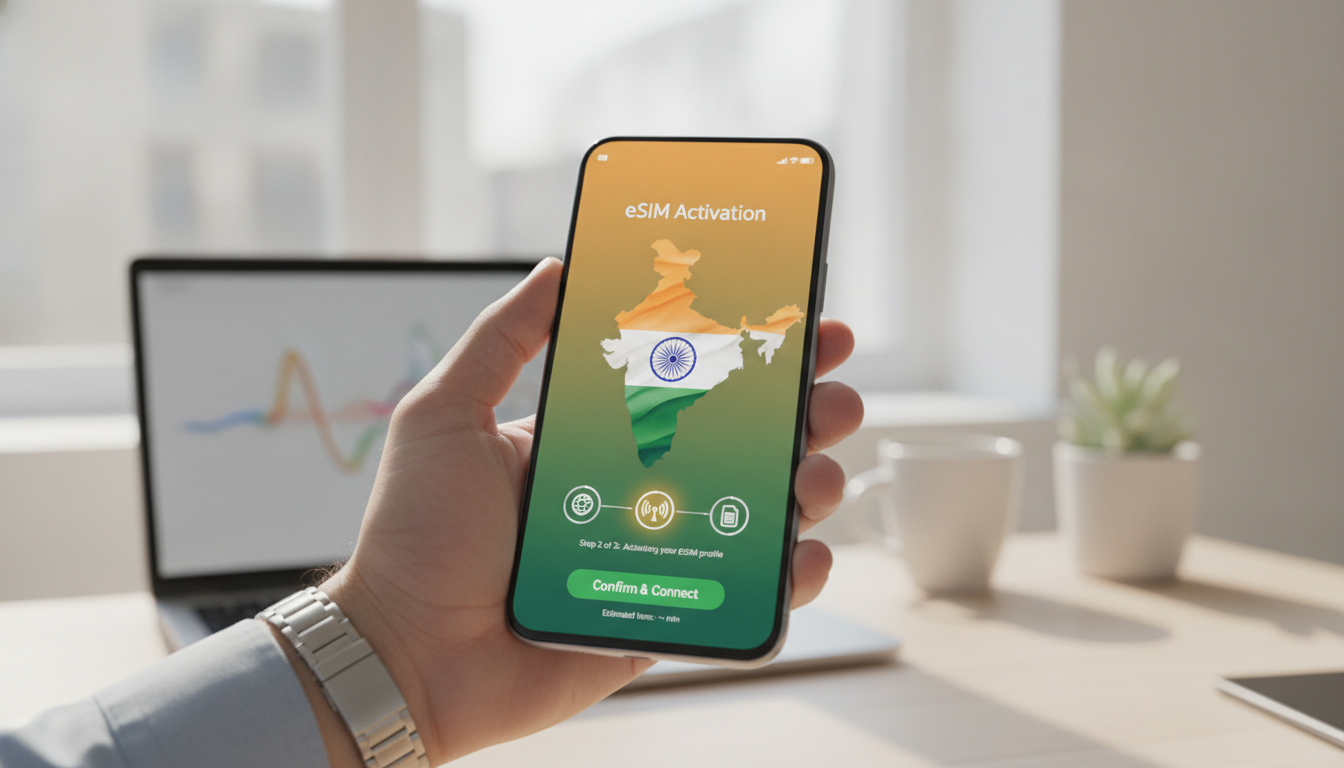
In short, what you'll discover in this article: A complete guide to india esim activation covering compatible devices, where to buy, step-by-step activation instructions for iPhone and Android, troubleshooting tips, and traveler-friendly advice to stay connected effortlessly in India.
1. Compatibility and Preparation
1.1 Compatible Devices (iPhone, Android, Others) and Tested Models
Before diving into the India eSIM activation process, ensure your device supports eSIM technology. Most recent iPhones from the XR model onward and many Android phones like Google Pixel 3 and above, Samsung Galaxy S20 and newer support eSIMs.
Other brands are gradually adding compatibility, but always check your specific model.
1.2 Check Carrier Lock Status and System Updates
Your phone must be unlocked or locked to a carrier that supports eSIMs in India. Also, update your device’s operating system to the latest version to avoid compatibility issues during activation.
2. Where to Buy an eSIM for India
2.1 Local Operators vs. International Providers for Travelers
You can purchase an India eSIM either from local telecom operators such as Jio, Airtel, or Vodafone Idea (Vi), or from international providers offering prepaid plans tailored for travelers. Local operators often require KYC verification at retail stores or airports, while international providers allow instant online purchase and activation.
2.2 Selection Criteria (Price, Validity, Coverage, Support)
When choosing the best India eSIM providers, consider:
- Price: Compare data packages and validity periods.
- Coverage: Ensure good network coverage in your travel areas.
- Customer Support: Look for responsive support channels.
- Activation Speed: Some providers offer instant activation via QR code.
3. Preparation Before Activation
3.1 Required Documents and KYC Process
Local Indian telecom operators require identity verification (passport and visa) to comply with regulations. This usually happens at a store or airport kiosk before receiving your eSIM QR code.
3.2 Save Your QR Code / SM-DP+ Address and ICCID Information
Once you receive your eSIM details, save the QR code securely along with the SM-DP+ address and ICCID number. These are essential if you need to reinstall or troubleshoot your eSIM later.
4. Step-by-Step Activation Guide (QR Method & Manual Method)
4.1 Activation on iPhone
- Open Settings > Cellular > Add Cellular Plan.
- Scan the QR code provided by your operator.
- Label your new plan (e.g., “India eSIM”).
- Set the default line for data and calls if using dual SIM.
- Wait for the plan to activate; you should see signal bars shortly.
4.2 Activation on Android
- Go to Settings > Network & Internet > Mobile Network > Advanced > Carrier > Add Carrier.
- Scan the QR code or enter details manually if needed.
- Confirm activation and assign the plan as primary data if desired.
- Restart your phone if required.
4.3 Activation via Operator App (If Available)
Some providers like Airtel allow you to request and activate an eSIM directly through their app by logging in with your phone number and following prompts to switch from physical SIM to eSIM seamlessly.
5. Post-Activation Configuration
5.1 APN Settings and Operator Selection
Most modern phones configure APN automatically after activation; however, if you experience no data connectivity, manually enter APN settings provided by your operator.
5.2 Enable Mobile Data / Roaming If Necessary
Ensure mobile data is enabled for your new eSIM profile, and turn on data roaming if you are using a travel provider that requires it for India coverage.
6. Troubleshooting Common Issues
6.1 QR Code Not Detected / Profile Not Downloading
Try cleaning your camera lens or scanning under better lighting conditions. If persistent, request a new QR code from your provider.
6.2 SM-DP+ / ICCID Missing Activation Error
Verify you entered all manual details correctly or contact customer support for assistance with missing information.
6.3 APN Problems and No Data Access
Double-check APN settings or reset network settings on your device to restore connectivity.
7. Practical FAQs
7.1 How Many eSIM Profiles Can You Have?
Most phones support multiple profiles but only one active cellular plan at a time; check your device specifications for exact limits.
7.2 Can You Reuse or Transfer an eSIM Between Devices?
Generally, eSIMs are tied to one device; transferring requires deactivating on one phone before activating on another through your provider.
7.3 Refunds and Cancellations Policy?
Policies vary by provider; always review terms before purchase as many eSIM plans are non-refundable once activated.
8. Tips for Travelers and Best Practices
8.1 Using an eSIM Plus Local SIM (Dual SIM) — Recommendations
For extended stays or heavy usage, combining an India eSIM with a local physical SIM can optimize coverage and costs.
8.2 Security and Backup of Your eSIM Information
Keep copies of your QR codes and ICCID details in secure cloud storage or email to avoid loss during travel mishaps.
9. Conclusion and Call to Action
com/blog/india-esim-activation). com/blog/gigsky) can also be beneficial.
Start your seamless connectivity journey today by choosing the right plan that fits your travel needs!

Anjali Rao
Anjali is a travel and technology writer who has criss-crossed India by train, plane and rickshaw. At India eSIM she tests travel data plans on Jio, Airtel and Vi and explains how visitors can stay online affordably from Delhi to the backwaters of Kerala.